Internet and World Wide Web: Why the Terms Are Different
People often use “internet” and “World Wide Web” as if they mean the same thing. The two are closely related, but they describe different parts of digital technology.
The internet is the broader communication infrastructure that connects networks around the world. The World Wide Web, usually called the Web, is an information system and service that operates through that infrastructure.
Understanding the difference between the internet and the Web makes it easier to describe online activities, understand how digital services work, and perform basic troubleshooting.
What Are the Internet and the World Wide Web?
The internet
The internet is a global network of interconnected computer networks. These networks exchange data using shared technical standards, commonly described as the TCP/IP suite.
The internet provides the underlying infrastructure for many services. These include the Web, email, internet messaging, file transfers, and other forms of network communication.
The World Wide Web
The World Wide Web is an information system that operates on top of the internet. It allows people to use web browsers to access resources supplied by web servers.
Web resources can include pages, images, audio, video, and interactive applications. They can be connected through hyperlinks, which let a user move from one resource to another.
A useful basic distinction is that the internet carries data between connected networks, while the Web organizes and presents linked information using that connectivity.
Why the Difference Matters
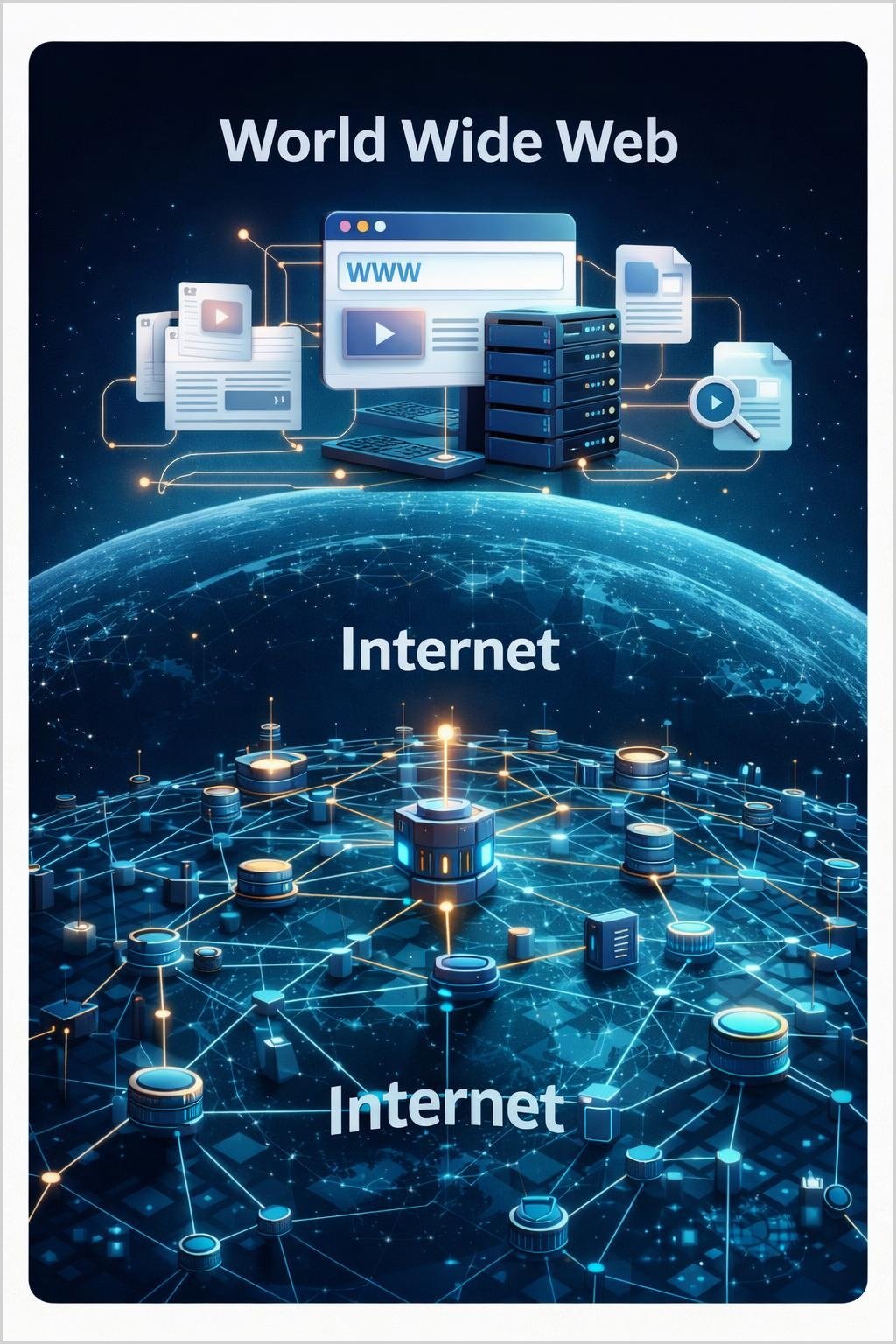
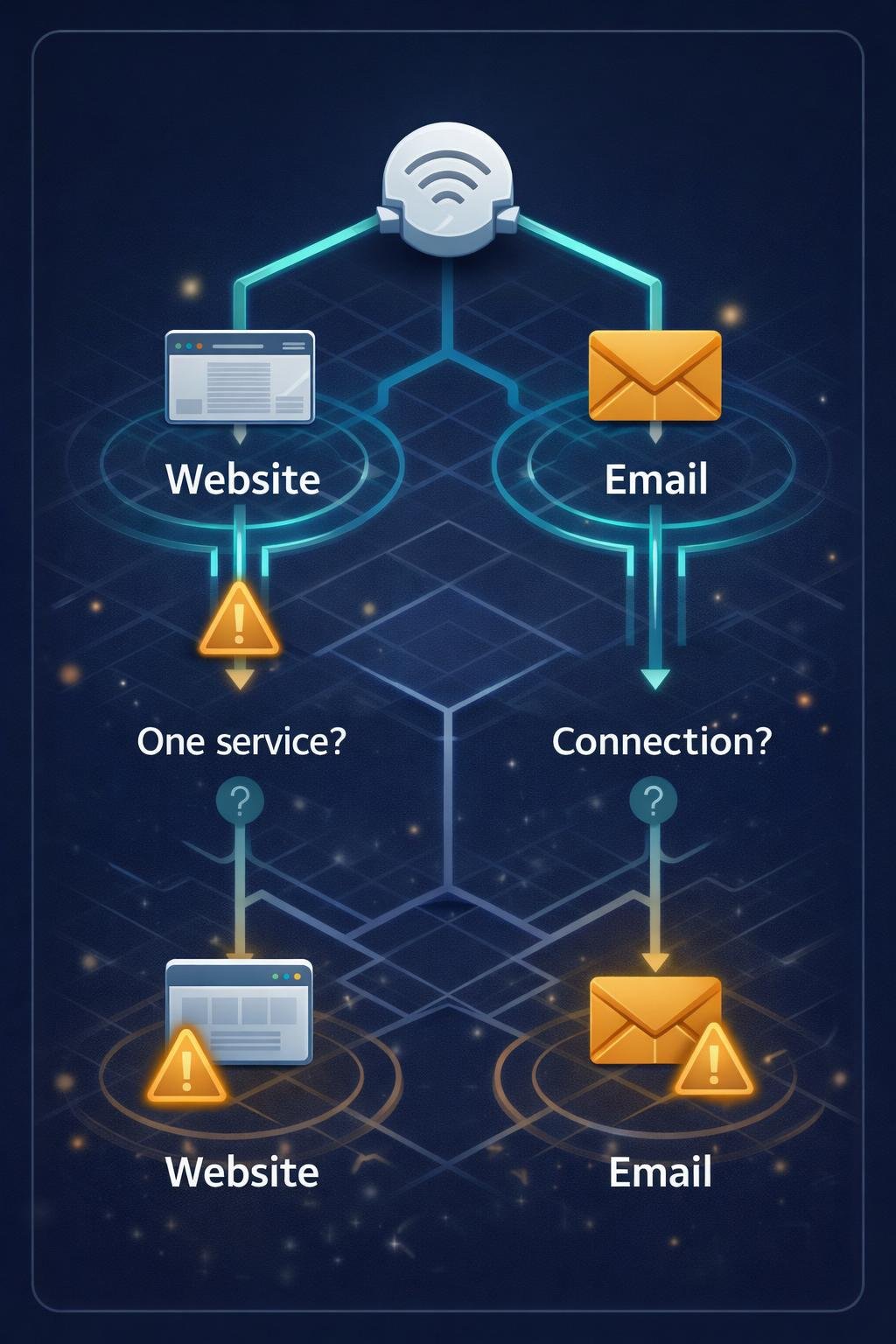
An internet connection can support multiple services at the same time. Opening a website is one use of that connection, but it is not the only possible use.
This distinction helps explain why one digital service might fail while others continue to work. For example, a particular website might be unavailable even though email and other websites still function. That situation does not necessarily mean the entire internet connection has stopped working.
Using precise terms also makes instructions clearer. “Open the website in your browser” describes a Web activity, while “check your internet connection” refers more broadly to the network connection supporting the browser and other services.
How the Internet and the Web Work Together
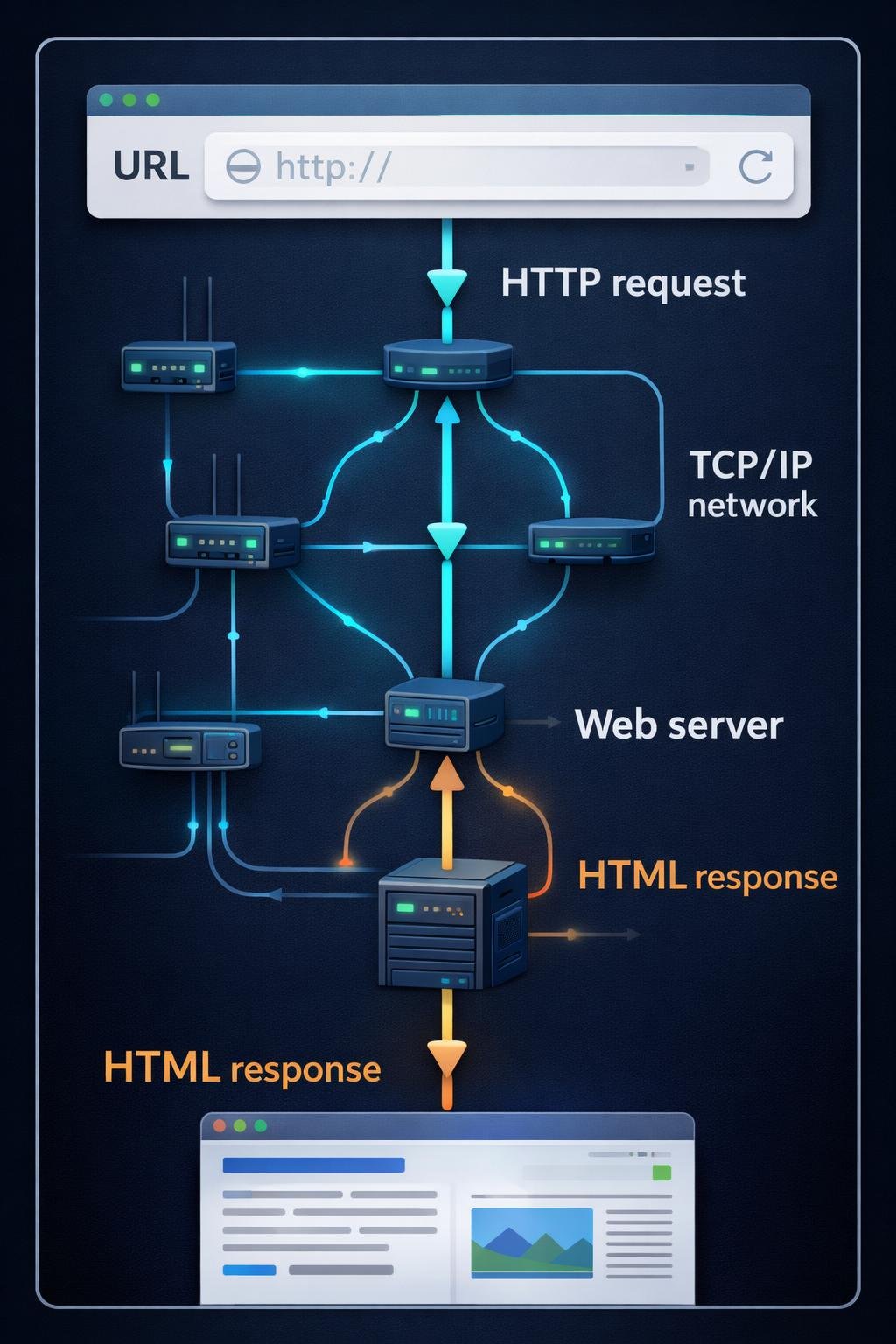
- A device connects to a network. A computer, phone, or other device connects through local and internet service infrastructure.
- Networks exchange data. Interconnected networks use the TCP/IP suite to address, route, transmit, and receive data across the internet.
- The user enters or selects a web address. A browser uses a Uniform Resource Locator, or URL, to identify how to access a web resource.
- The browser makes a request. It normally uses the Hypertext Transfer Protocol, or HTTP, or its secured form, HTTPS, to request the resource from a web server.
- The web server responds. The server returns the requested content or another response indicating what happened to the request.
- The browser presents the resource. If the response contains a web page, the browser interprets its HyperText Markup Language, or HTML, and may request additional resources needed to display it.
- Links can lead to more resources. Selecting a hyperlink starts another request for the linked resource.
The internet provides the route over which the data travels. Web technologies determine how web resources are identified, requested, linked, structured, and displayed.
Key Components and Their Relationships
| Component | Role | Relationship to the internet or Web |
|---|---|---|
| Connected networks | Exchange data with other networks. | They form the broader internet infrastructure. |
| TCP/IP | Provides a suite of standards for communication between networked devices. | It supports internet communication, including but not limited to Web traffic. |
| Internet service infrastructure | Includes the connections and networking equipment that move data between networks. | It supports the Web and other internet services. |
| Web browser | Requests, interprets, and presents web resources. | It is software used to access the Web. |
| Web server | Stores, processes, or supplies resources in response to web requests. | It provides content and services to browsers through web technologies. |
| Uniform Resource Identifier | Identifies a resource. | A URI is part of the Web’s resource-identification system. |
| Uniform Resource Locator | Identifies a resource and indicates how it can be accessed. | A URL is a commonly encountered type of URI used for Web resources. |
| HTTP | Defines how web clients and servers request and exchange representations of resources. | It is a foundational Web protocol that uses underlying network infrastructure. |
| HTML | Structures the content of a web page. | It is a foundational language of the Web. |
| Hyperlinks | Connect one resource to another. | They create the Web’s linked browsing experience. |
| Multimedia | Provides content such as images, sound, and video. | It can be presented and linked through web pages and applications. |
These components work in layers. Internet infrastructure carries the data, while browsers, servers, URLs, HTTP, HTML, hyperlinks, and related technologies create the experience recognized as the Web.
Everyday Examples of Internet and Web Use
Example: Visiting a website
This is a Web activity. A person enters a URL or selects a link in a browser. The browser sends a request through the internet to a web server and then presents the returned resource.
Example: Sending email
Email is an internet-based service, but email itself is not inherently the same as the Web. An email application can send and receive messages using email-specific systems and protocols.
A webmail page is different: its browser interface is part of the Web, while the underlying email service remains distinct. One activity can therefore involve both Web technology and an email service.
Example: Using IRC
Internet Relay Chat, or IRC, is an internet-based communication service. A dedicated IRC client can connect to an IRC service without using a conventional website, demonstrating that not every internet activity is a Web activity.
In all three examples, the internet provides connectivity. Only the activities involving web browsers, web servers, and web resources belong specifically to the Web.
Benefits, Limitations, and Practical Trade-Offs
Benefits of the internet’s broader design
Shared, open standards allow many separate networks to interconnect and exchange data. Because the internet is general-purpose infrastructure, it can support different applications and services rather than being limited to websites.
Benefits of the Web
The Web provides a linked information space that people can navigate with browsers. URLs help identify resources, hyperlinks connect them, and technologies such as HTTP and HTML support requesting and presenting content.
The Web can combine text and multimedia and can support both reading information and contributing content through web-based services.
Limitations and trade-offs
The Web has a narrower scope than the internet. It does not represent every type of internet communication, even though browser-based interfaces can provide access to many different services.
Access to the public Web also depends on underlying network infrastructure and functioning services. A problem with a connection, route, browser, server, or particular web resource can affect access in different ways.
The flexibility of multiple layers is useful, but it can make troubleshooting less obvious. A page that does not load may indicate a problem with that page or service rather than a failure of the whole internet.
Common Misunderstandings
“The internet and the Web are synonyms.”
They are not synonyms. The internet is the interconnected network infrastructure, while the Web is an information system and service built on that infrastructure.
“Everything done in a browser represents the entire internet.”
A browser is primarily a Web client. It can provide web interfaces for many services, but it does not represent every internet protocol, application, or form of communication.
“Email is simply a type of website.”
Email is a separate internet-based service. A webmail website provides browser access to email, but that interface does not make email itself identical to the Web.
“If one website is unavailable, the internet must be down.”
One failed website does not by itself prove that the broader connection has failed. The resource, web server, browser, local connection, or another part of the path could be involved.
The most useful model is infrastructure and service: the internet is the underlying network of networks, and the Web is one important service that uses it.
DigiNana Beginner Guide
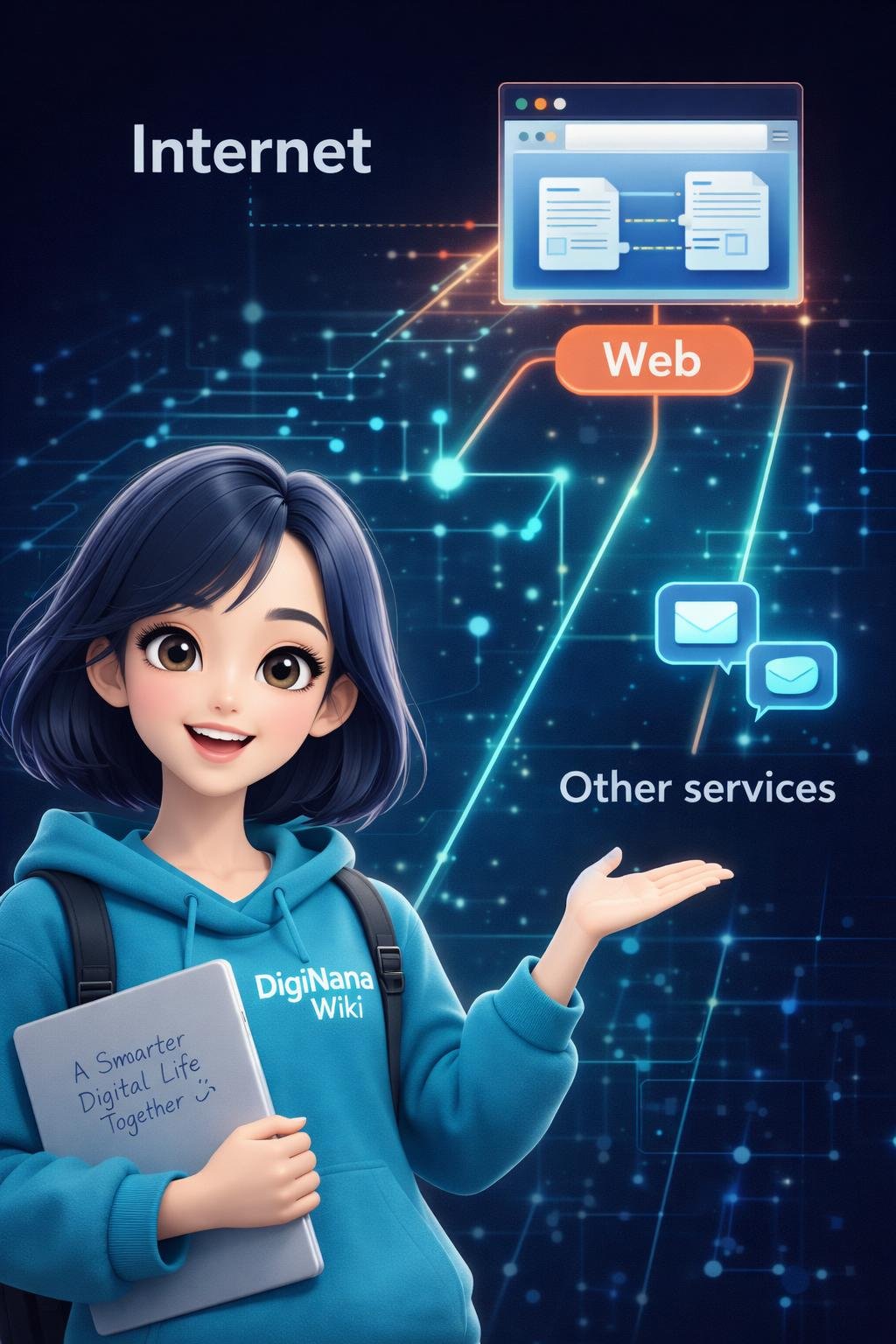
Fictional educational example: DigiNana imagines the internet as an underlying connection system linking many destinations. She imagines the Web as one service that uses those connections to deliver linked information to a browser.
When DigiNana opens a website, her browser requests a web resource from a server. The request and response travel using internet infrastructure, while web technologies determine how the resource is requested and presented.
She then opens a dedicated email application. It still uses the internet, but it is using an email service rather than browsing a conventional website. If she accesses the same mailbox through a browser, the browser interface is part of the Web while the messages remain part of the email service.
This analogy is only a learning aid. The precise technical distinction is that the internet is a network of interconnected networks, while the Web is an information system operating through that network infrastructure.
Practical Tips
- Use “internet” for the broader connection and infrastructure. For example, say that a device needs an internet connection to reach public online services.
- Use “Web” for browser-accessed resources. Opening a web page, following a hyperlink, or entering a URL is Web activity.
- Identify the application. A browser usually indicates Web use, while a dedicated email, chat, or other client may use a different internet service.
- Do not diagnose a connection from one page alone. If one resource fails, carefully check whether other websites or internet services work. These checks can provide clues but may not identify the exact cause.
- Separate browser problems from broader connection problems. A browser setting or website issue can affect Web access even when another internet-based application still works.
- Describe the specific symptom. Saying “this page does not load” is more precise than saying “the internet is broken” when the extent of the problem is unknown.
These distinctions cannot guarantee a diagnosis, but they help narrow down which part of a digital activity may require attention.
Frequently Asked Questions
Are the internet and the World Wide Web the same?
No. The internet is a global network of interconnected networks. The World Wide Web is an information system and service that uses the internet to connect browsers, servers, and resources.
Can the Web operate without internet infrastructure?
The public World Wide Web depends on internet infrastructure to connect users and servers. Web technologies can also be used within a private or local network, but that is not the same as accessing the global public Web.
Is email part of the Web?
Email is an internet-based service distinct from the Web. A webmail interface is a Web resource that provides browser-based access to an email service.
What does a web browser do?
A web browser requests resources from web servers, interprets formats such as HTML, and presents pages and other content to the user.
What does URL mean?
URL means Uniform Resource Locator. It identifies a resource and indicates how it can be accessed, such as through HTTP or HTTPS.
What does URI mean?
URI means Uniform Resource Identifier. It is a general form of identifier for a resource, and URLs are commonly encountered URIs.
What does HTTP mean?
HTTP means Hypertext Transfer Protocol. It defines how web clients and servers request and exchange representations of resources.
What does HTML mean?
HTML means HyperText Markup Language. It provides the structure and meaning of content in web pages.
What does TCP/IP mean?
TCP/IP refers to the Internet Protocol suite, named after the Transmission Control Protocol and Internet Protocol. The suite provides fundamental standards that allow devices and networks to exchange data over the internet.
Final Takeaway
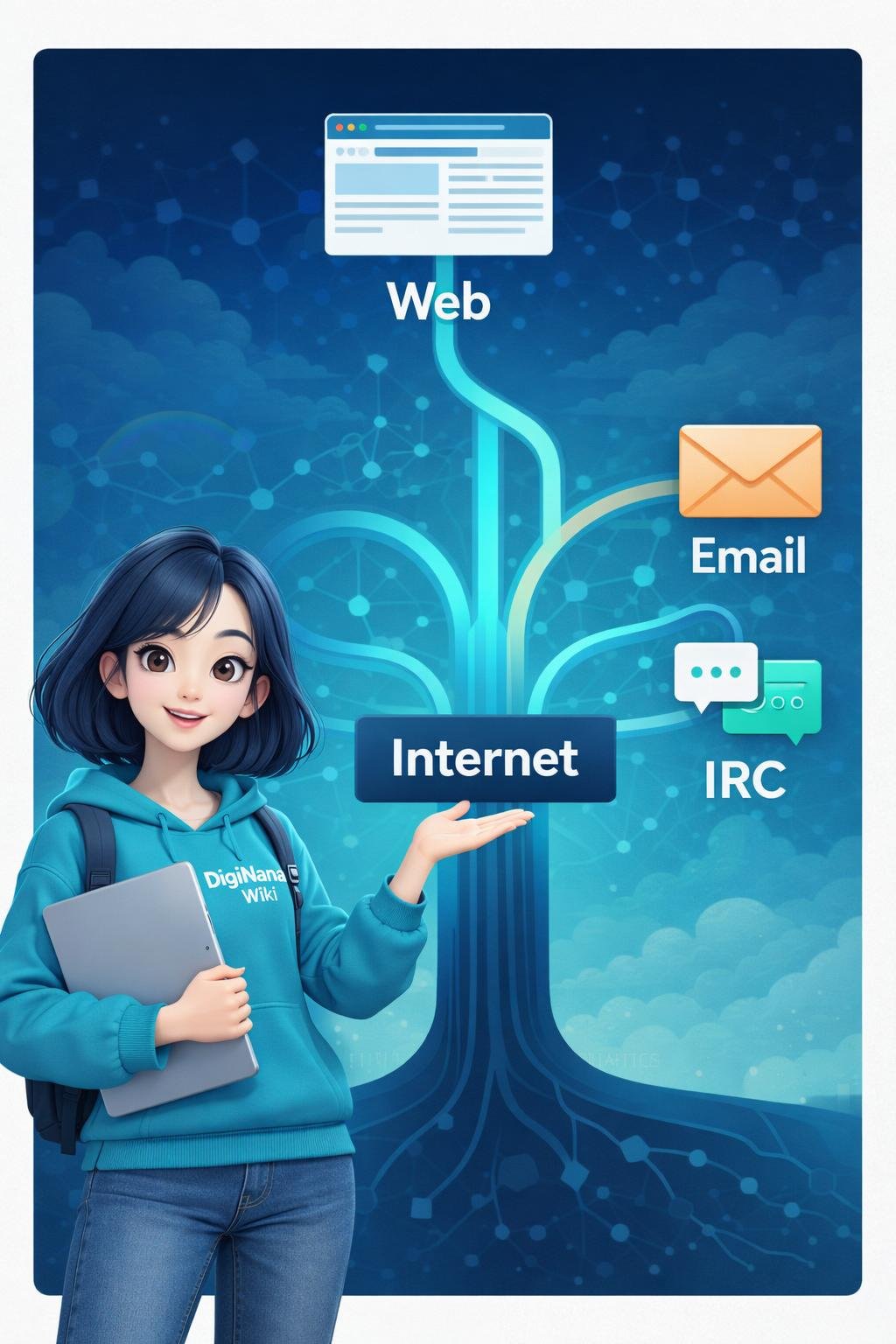
The internet is the underlying network of interconnected networks that enables devices and services to communicate. The World Wide Web is a linked information system and internet-based service that operates through browsers, web servers, URLs, HTTP, HTML, and related technologies.
Every Web activity uses network infrastructure, but not every internet activity belongs to the Web. Remembering the difference between infrastructure and service makes digital terminology and basic troubleshooting much clearer.
References
- About The World Wide Web — https://www.w3.org/WWW/Overview.html
- How It Works – Internet Society — https://www.internetsociety.org/internet/how-it-works/
- How does the Internet work? – Learn web development | MDN — https://developer.mozilla.org/en-US/docs/Learn_web_development/Howto/Web_mechanics/How_does_the_Internet_work
- Help | W3C — https://www.w3.org/help/
Image Credits
The five illustrations in this article are original DigiNana Wiki educational visuals created with AI assistance. They are intended to help readers understand the differences between the Internet and the World Wide Web. These conceptual illustrations should not be interpreted as exact representations of real-world network infrastructure, software interfaces, devices, or technical configurations.
Disclaimer
This article provides general educational information. Technical interfaces, software behavior, security conditions, product features, and service availability can change. Check current official documentation when you need important, product-specific, security-sensitive, or time-sensitive details.