Understanding Web Addresses
If you have ever wondered what is a URL, the simple answer is that it is the structured web address a browser uses to identify and access a resource. A resource might be a https://diginanawiki.com/difference-between-the-internet-and-the-web/”>web page, image, document, video, or another item available through a network.
URLs appear in browser address bars, search results, messages, documents, and shared links. Learning to recognize their parts makes it easier to understand where a link points, copy the intended address, and notice which information belongs to the website, page, query, or page section.
What Is a URL?
URL stands for Uniform Resource Locator. It is a common type of Uniform Resource Identifier, usually shortened to URI. A URI is a sequence of characters that identifies a resource.
A URL does more than identify a resource. It also describes its primary access mechanism or network location. For example, the beginning of a web URL can indicate which protocol applies, while later parts identify the host and a resource associated with it.
URL and URI are therefore related terms, but they are not interchangeable in every technical context. URLs form a subset of the broader URI category.
Why URLs Matter
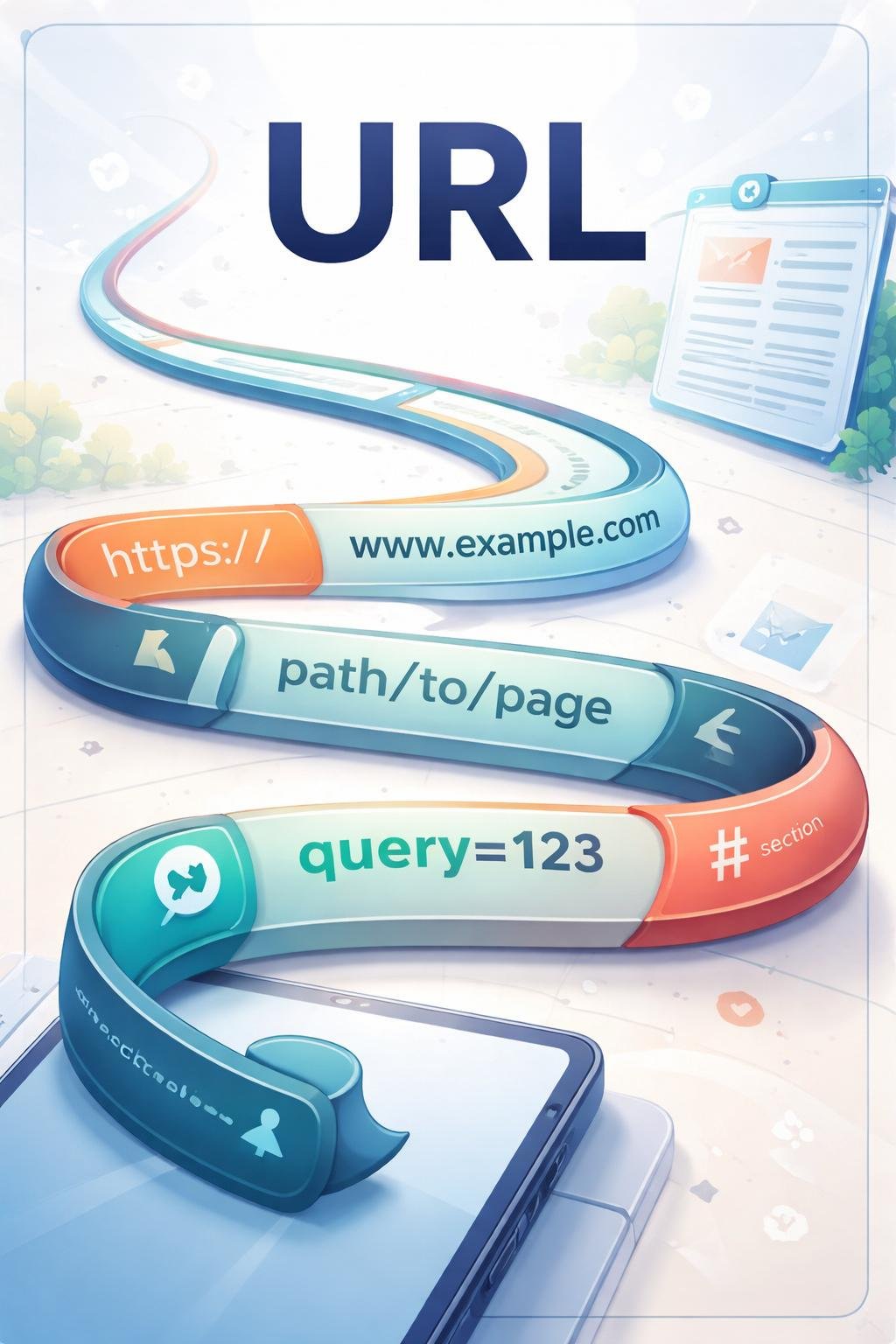
A browser uses a URL as structured information for locating and retrieving a resource. Without this identifying information, the browser would not know which resource the user intended to open.
URLs also make resources shareable. A person can copy an address from a browser and provide it to someone else, although access can still depend on whether the resource remains available and whether the recipient has any required permissions.
Recognizing URL structure is useful before following a link. The structure can reveal the scheme, host, path, query data, and fragment. This does not prove that a destination is trustworthy, but it helps the reader understand what the address says.
How a URL Works
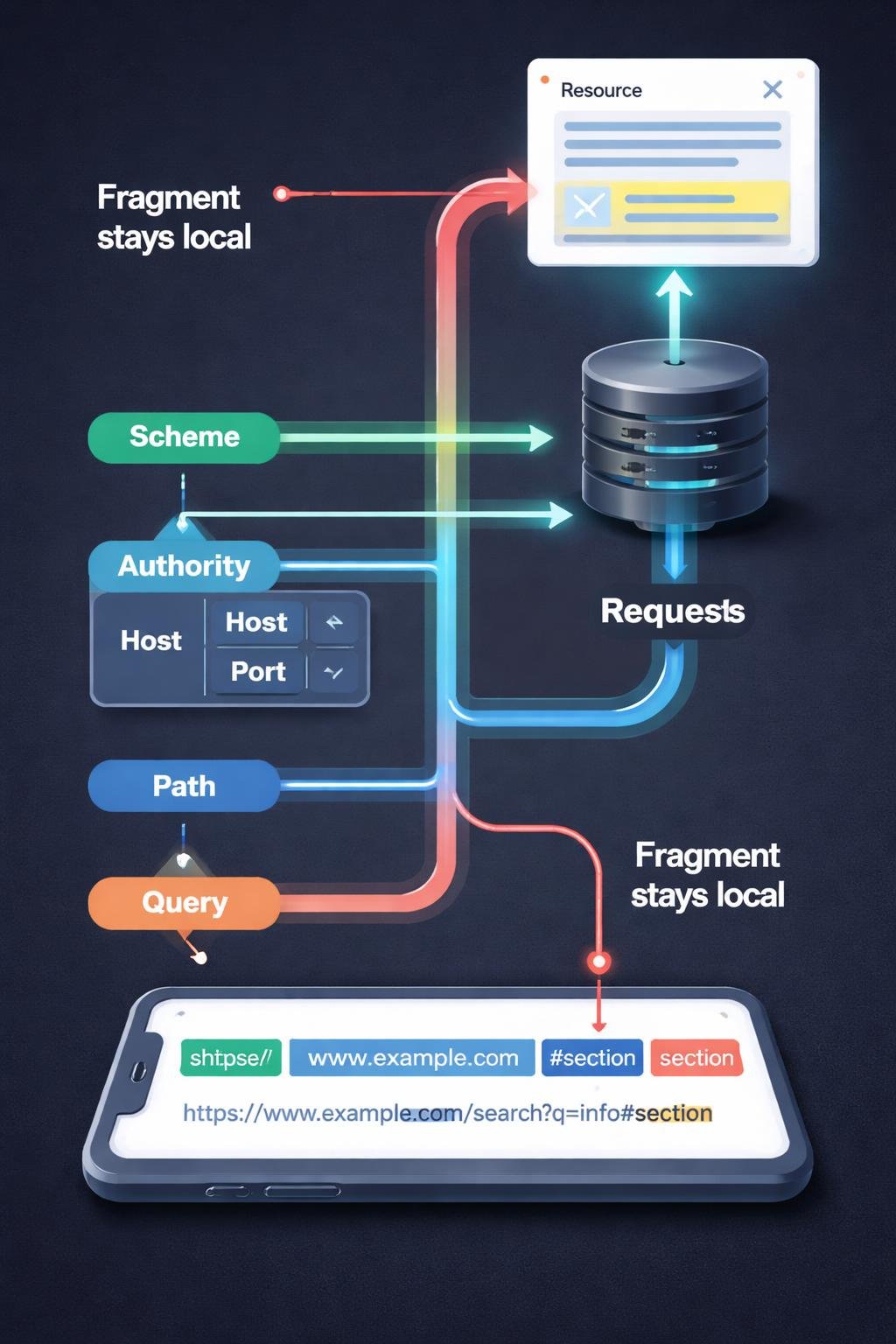
A URL presents its components in a defined order. The major generic components are the scheme, authority, path, query, and fragment. They are arranged from left to right in decreasing significance.
- The browser reads the scheme. This identifies the specification or protocol associated with the address, such as HTTP or HTTPS for common web URLs.
- It interprets the authority when present. The authority can contain user information, a host, and a port.
- It reads the path. The path identifies a resource through a hierarchical structure associated with the authority.
- It interprets an optional query. The query supplies additional non-hierarchical identifying data, often represented as key-and-value pairs.
- It handles an optional fragment. The fragment identifies a particular part or position within the resource and is not sent to the server.
The browser uses the applicable components to request or display the identified resource. Not every URL contains every optional component.
The Main Parts of a URL
The general component order can be represented as scheme, authority, path, query, fragment. Delimiters such as a colon, slash, question mark, and hash sign separate parts of the address.
| Component | Purpose | Common delimiter or position |
|---|---|---|
| Scheme | Names the specification or protocol governing the address. | Appears first and is followed by a colon. |
| Authority | Can contain user information, a host, and a port. | Follows the scheme in a URL that uses an authority. |
| Path | Hierarchically identifies a resource associated with the authority. | Uses slash characters to separate path segments. |
| Query | Provides additional non-hierarchical identifying data. | Begins after a question mark. |
| Fragment | Identifies a part or position within the resource. | Begins after a hash sign. |
Scheme
Every URI begins with a scheme name. In common web addresses, HTTP and HTTPS are schemes that specify the protocol used to fetch the resource.
Authority
The authority can include several fields. The host identifies the web server. An optional port identifies an access gate associated with the server. User information can also appear before the host, but username-and-password syntax in URLs is deprecated because of security concerns.
Path
The path follows the authority and identifies a resource through a hierarchy. Slashes separate its segments. A path is distinct from both the host and the query.
Query
A query begins after a question mark. It can contain key-and-value pairs supplied to the server. Multiple pairs can be separated by an ampersand.
Fragment
A fragment begins after a hash sign. It can identify a document section, video position, or another location within a resource. The fragment is handled separately and is not sent to the server.
Percent-Encoding
Some characters have reserved roles as delimiters. When a reserved character would conflict with that role, it must be percent-encoded. Percent-encoding uses a percent sign followed by two hexadecimal digits. For example, %20 can represent a space.
Everyday URL Examples
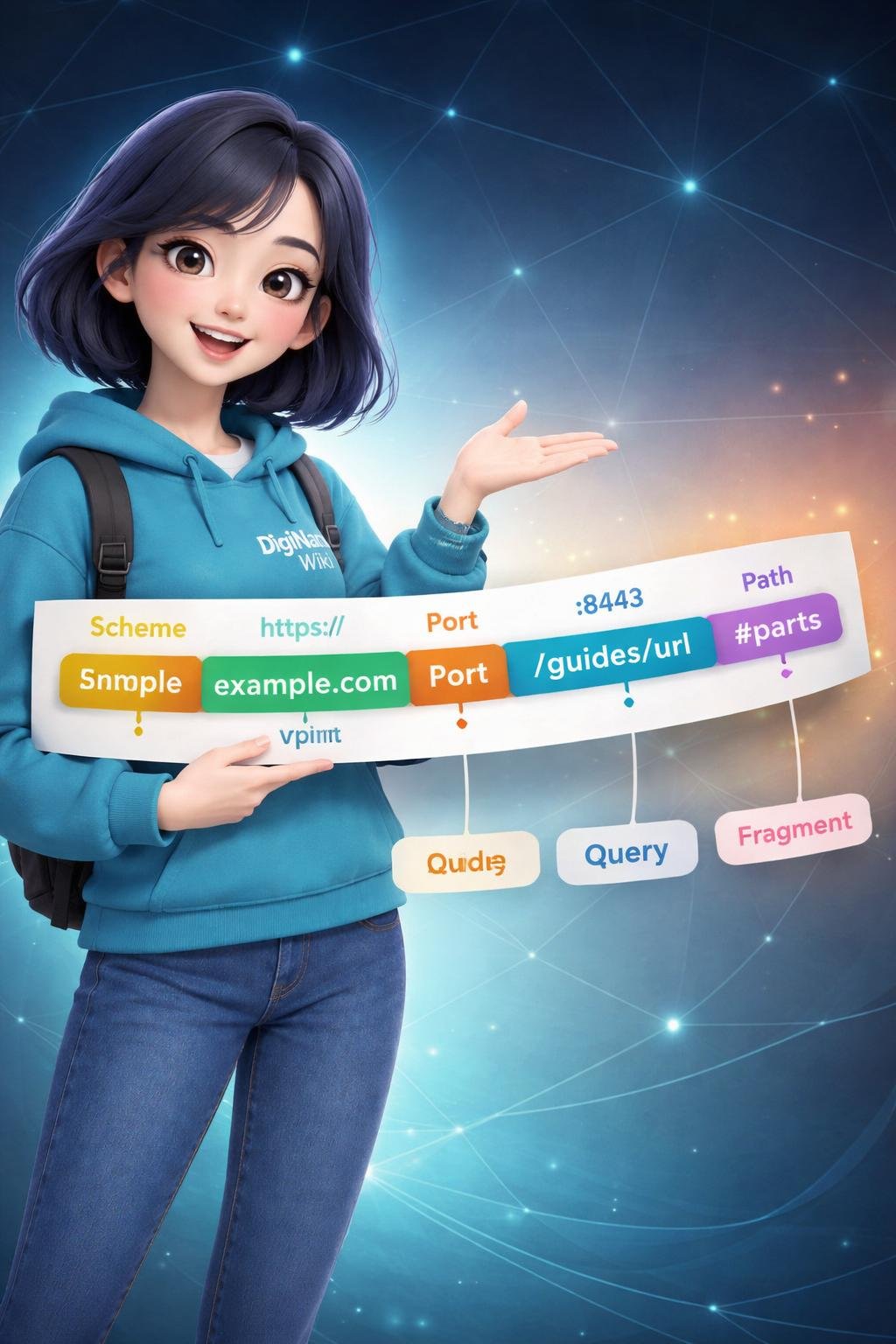
Fictional educational example: The following address is used only to demonstrate syntax and is not presented as a real shop or working destination: https://shop.example:443/books/guide?format=large&lang=en#chapter-2.
- Scheme: https appears before the colon.
- Host: shop.example identifies the illustrative host.
- Port: 443 is the optional number after the host.
- Path: /books/guide identifies the illustrative resource hierarchy.
- Query: format=large&lang=en contains two illustrative key-and-value pairs separated by an ampersand.
- Fragment: chapter-2 identifies an illustrative location within the resource.
Absolute and Relative URLs
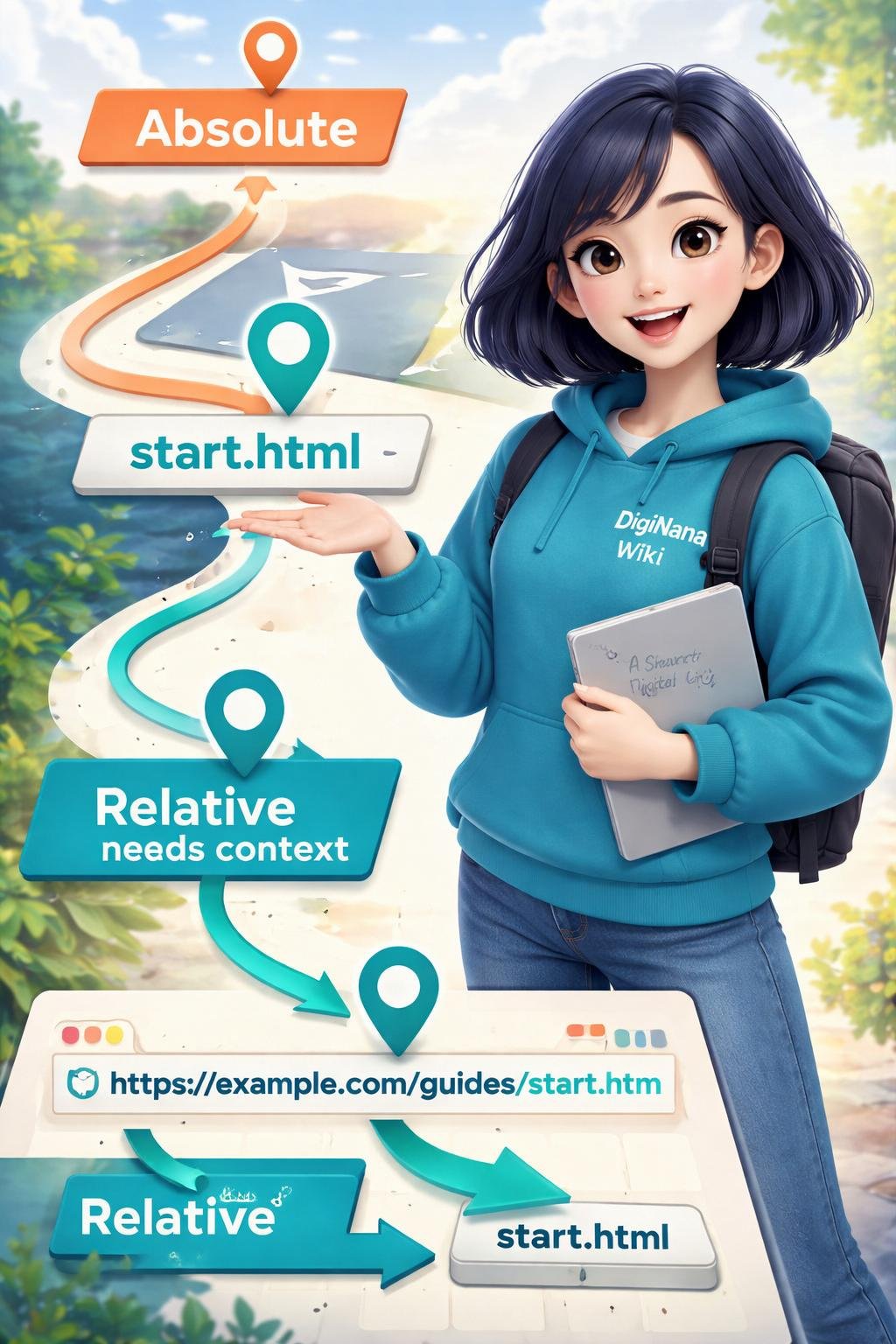
An absolute URL contains the information needed to locate a resource without relying on the current document for missing parts. The complete fictional example above is an absolute URL.
A relative URL relies on the current document’s URL to supply missing information. For example, the illustrative relative reference /books/guide does not state a scheme or host. Its meaning depends on the address of the document in which it appears.
Additional educational example: In https://shop.example/search?topic=web%20addresses, the characters %20 represent an encoded space within the illustrative query value.
Benefits and Limitations of URLs
Benefits
- URLs provide a structured way to identify resources and describe their access mechanism or location.
- Their component order helps browsers interpret addresses consistently.
- They allow people to copy and share addresses for particular resources.
- Paths, queries, and fragments can identify different resources, supply additional data, or point to a position within a resource.
Limitations
- A relative URL is meaningful only when its surrounding document supplies the missing context.
- Optional components mean that two valid URLs may look quite different.
- Percent-encoded characters can make an address harder for a beginner to read.
- The appearance of a URL does not establish that its destination is trustworthy.
- A correctly structured URL does not guarantee that the identified resource is still available.
A URL should therefore be treated as structured identifying information, not as proof of a destination’s quality, safety, or continued availability.
Common URL Misunderstandings
A URL is not the entire URI category
A URI identifies a resource. A URL is a subset of URI that identifies a resource while describing its primary access mechanism or network location.
A domain or host is not a complete URL
The host is one field within the authority. A complete URL can also include a scheme, path, query, fragment, port, or other supported authority information. A domain can serve as the host, but the domain alone is not the complete address.
A path is not a query
The path hierarchically identifies a resource and commonly uses slash-separated segments. The query follows a question mark and provides additional non-hierarchical data.
A query is not a fragment
A query begins after a question mark and can provide data to the server. A fragment begins after a hash sign, identifies a part or position within the resource, and is not sent to the server.
Every URL does not need every component
Queries, fragments, ports, and some authority fields are optional. Their absence does not by itself mean that an address is incomplete.
DigiNana Beginner Guide
Fictional educational walkthrough: DigiNana sees the illustrative address https://learn.example:443/guides/urls?level=beginner#parts. This story is not a report of a real website test; it simply demonstrates the verified component structure of a URL.
- DigiNana starts at the left and identifies https as the scheme.
- She identifies learn.example as the fictional host within the authority.
- She notices 443 after the colon and labels it as an optional port.
- She reads /guides/urls as the path.
- She finds the question mark and reads level=beginner as an illustrative query key-and-value pair.
- She finds the hash sign and identifies parts as the fragment pointing to an illustrative position within the resource.
The technical lesson is that reading from left to right and recognizing the delimiters makes a URL easier to separate into its supported components.
Practical Tips
- Start with the scheme. Look for the characters before the first colon and identify whether the address uses an expected scheme such as HTTP or HTTPS.
- Find the host. Separate the host from the scheme, optional port, and path. This helps you understand which host the address identifies.
- Separate the path from later data. The path comes before a question mark or hash sign when those delimiters are present.
- Recognize the query. Information after a question mark belongs to the query until a fragment delimiter appears.
- Recognize the fragment. Information after a hash sign identifies a part or position within the resource.
- Expect percent-encoding. A percent sign followed by two hexadecimal digits can represent encoded data when a character would otherwise conflict with delimiter use.
- Check whether a reference is absolute or relative. A relative reference depends on the current document, while an absolute URL supplies the necessary locating information itself.
- Copy carefully. If you intend to share a complete address, make sure you have not accidentally omitted a required path, query, or fragment.
These checks help you read an address accurately without assuming that its appearance guarantees anything about the destination.
URL Safety and Privacy
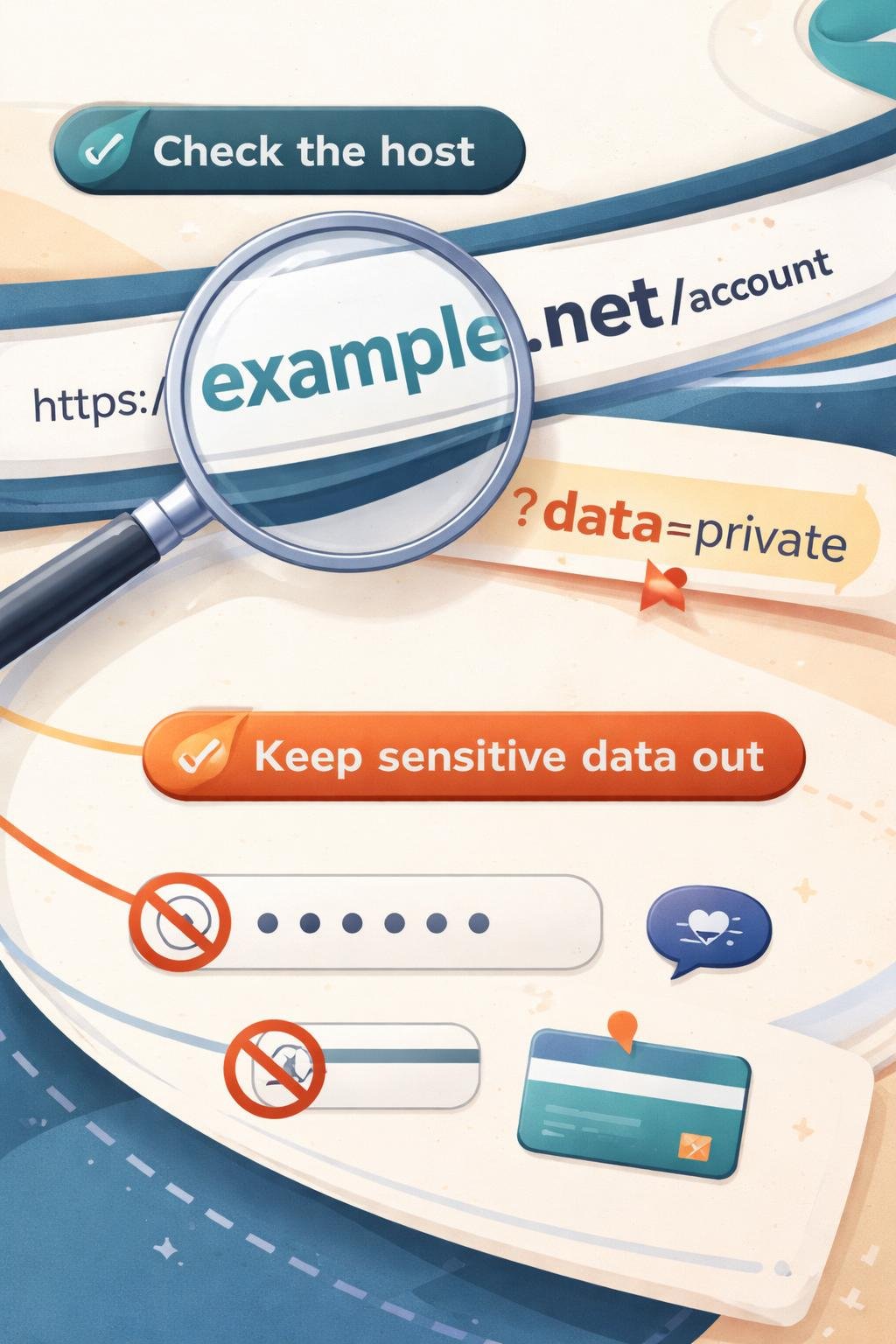
Inspect the host before opening an unfamiliar link. Similar-looking text elsewhere in an address should not be confused with the actual host field, and inspection does not provide a complete security guarantee.
Treat unfamiliar links cautiously. A URL’s structure can tell you how its components are arranged, but structure alone cannot verify the intentions, trustworthiness, or current security condition of the destination.
Avoid placing or sharing sensitive information in visible URL fields. In particular, username-and-password information in a URL is deprecated because of security concerns. Query values and other visible portions should also be reviewed before an address is copied or shared.
Security conditions and browser behavior can change, so important decisions should be checked against current official documentation.
Frequently Asked Questions
What does URL stand for?
URL stands for Uniform Resource Locator.
Are a URL and a domain the same thing?
No. A domain can be used as the host within a URL, but a complete URL may also include a scheme, port, path, query, and fragment.
What do HTTP and HTTPS mean in a URL?
HTTP and HTTPS are scheme names. The scheme appears before the colon and specifies the protocol used to fetch the resource.
What does a question mark mean in a URL?
A question mark marks the beginning of the query. The query can contain additional data, including key-and-value pairs separated by ampersands.
What does a hash sign mean in a URL?
A hash sign marks the beginning of a fragment. The fragment identifies a part or position within a resource and is not sent to the server.
What is percent-encoding?
Percent-encoding represents data using a percent sign followed by two hexadecimal digits. It is required when data containing a reserved character would conflict with that character’s delimiter role.
What is a port in a URL?
A port is an optional field within the authority. It identifies an access gate associated with the host. The supplied technical source gives 80 as the standard port for HTTP and 443 as the standard port for HTTPS.
What is the difference between an absolute and a relative URL?
An absolute URL includes the information needed to locate a resource. A relative URL omits some information and relies on the current document’s URL to provide the missing context.
Final Takeaway
A URL is a structured type of URI that identifies a resource and describes its primary access mechanism or network location. Its main generic components are the scheme, authority, path, query, and fragment.
Knowing how these parts work makes web addresses easier to understand. Start at the left, identify the scheme and authority, then separate the path, optional query, and optional fragment by their delimiters.
References
- RFC 3986: Uniform Resource Identifier (URI): Generic Syntax | RFC Editor
- https://www.rfc-editor.org/rfc/rfc3986.html
- URIs | MDN
- What is a URL? – Learn web development | MDN
Image Credits
The five DigiNana Wiki visuals accompanying this article are original educational illustrations created with AI assistance. They are conceptual visuals and must not be interpreted as verified photographs, exact software interfaces, actual device specifications, or guaranteed technical configurations.
Disclaimer
This article provides general educational information. Technical interfaces, software and product features, security conditions, browser behavior, and service availability can change. When an important technical or security detail must be verified, consult current official documentation for the relevant standard, software, product, or service.