Introduction
Learning how to create strong passwords is an important part of protecting email, financial, shopping, social media, work, and other online accounts. A secure approach combines long and difficult-to-predict passwords with a different password for every account.
Password security also depends on management. Passwords must be stored safely, recovery methods must be protected, and additional safeguards such as multifactor authentication should be used where available. Length, randomness, uniqueness, and secure storage work together to reduce account risk.
What Is a Strong Password?
A strong password is long, difficult to predict, and unique to one account. It should not be based on obvious personal information, familiar expressions, common passwords, significant dates, family names, pet names, or favorite sports teams.
Random means that the password is not built from a pattern another person could reasonably associate with the account holder. A password manager can generate random credentials. An alternative for some accounts is a memorable passphrase, which is a longer password made from multiple words. The National Cyber Security Centre recommends considering three random, unrelated words rather than predictable personal information.
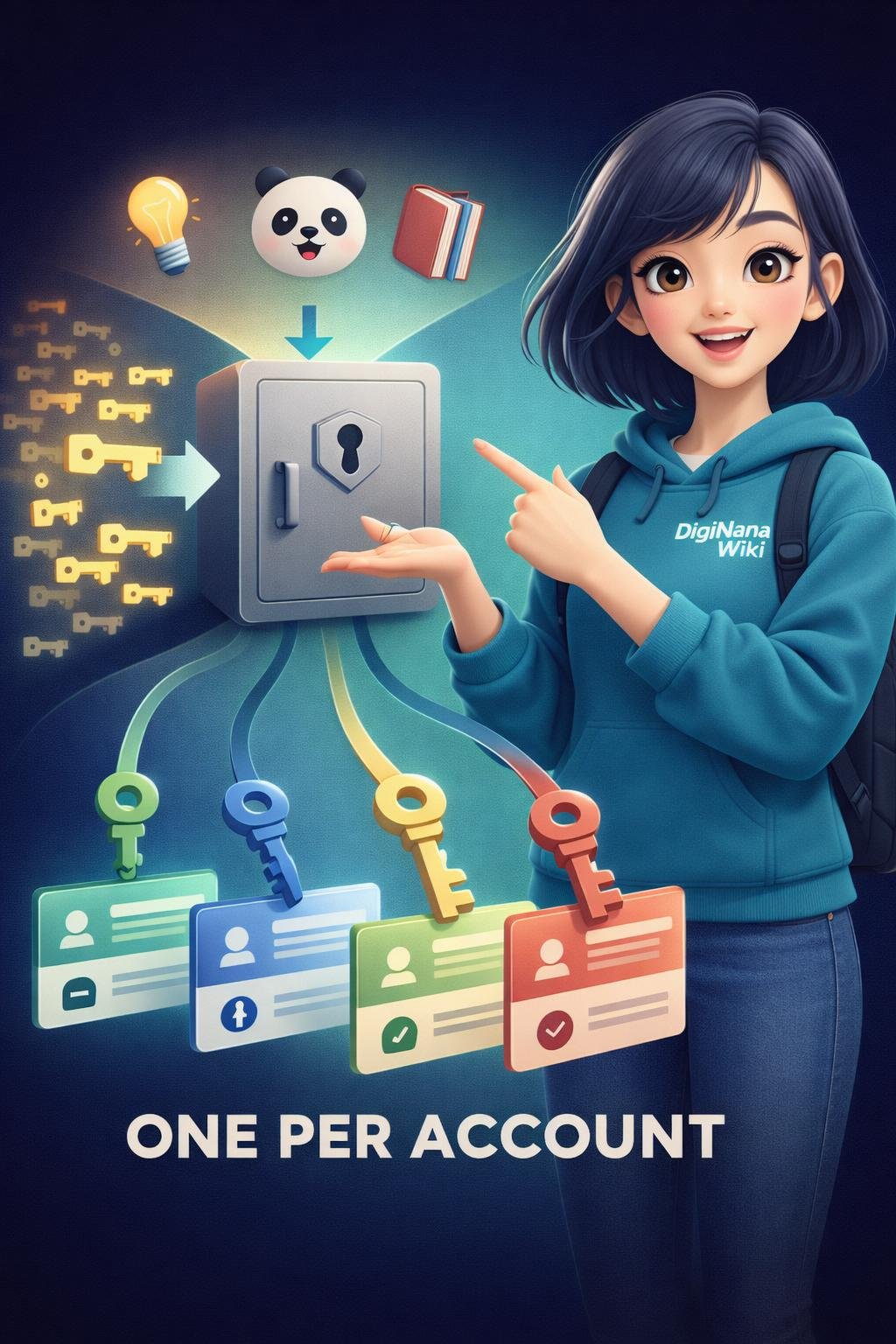
Unique means that a password is used for only one account. A reused password is the same password, or a slightly modified version of it, used on multiple accounts. Reuse can turn the exposure of one password into a risk for several services.
Why Strong, Unique Passwords Matter
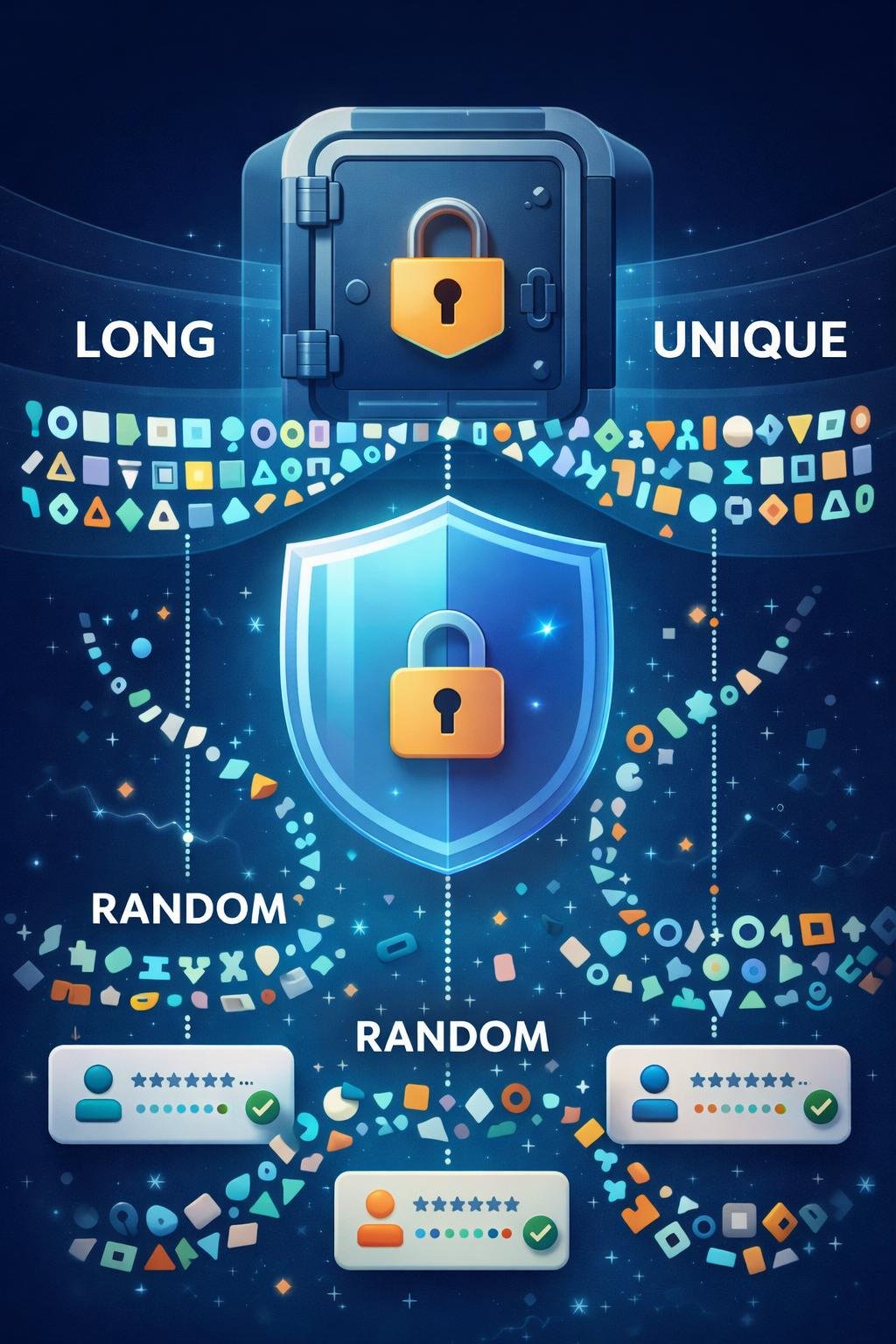
Weak and common passwords are easier to guess than long, unusual choices. Personal details and familiar patterns may also be predictable, especially if related information has been shared publicly.
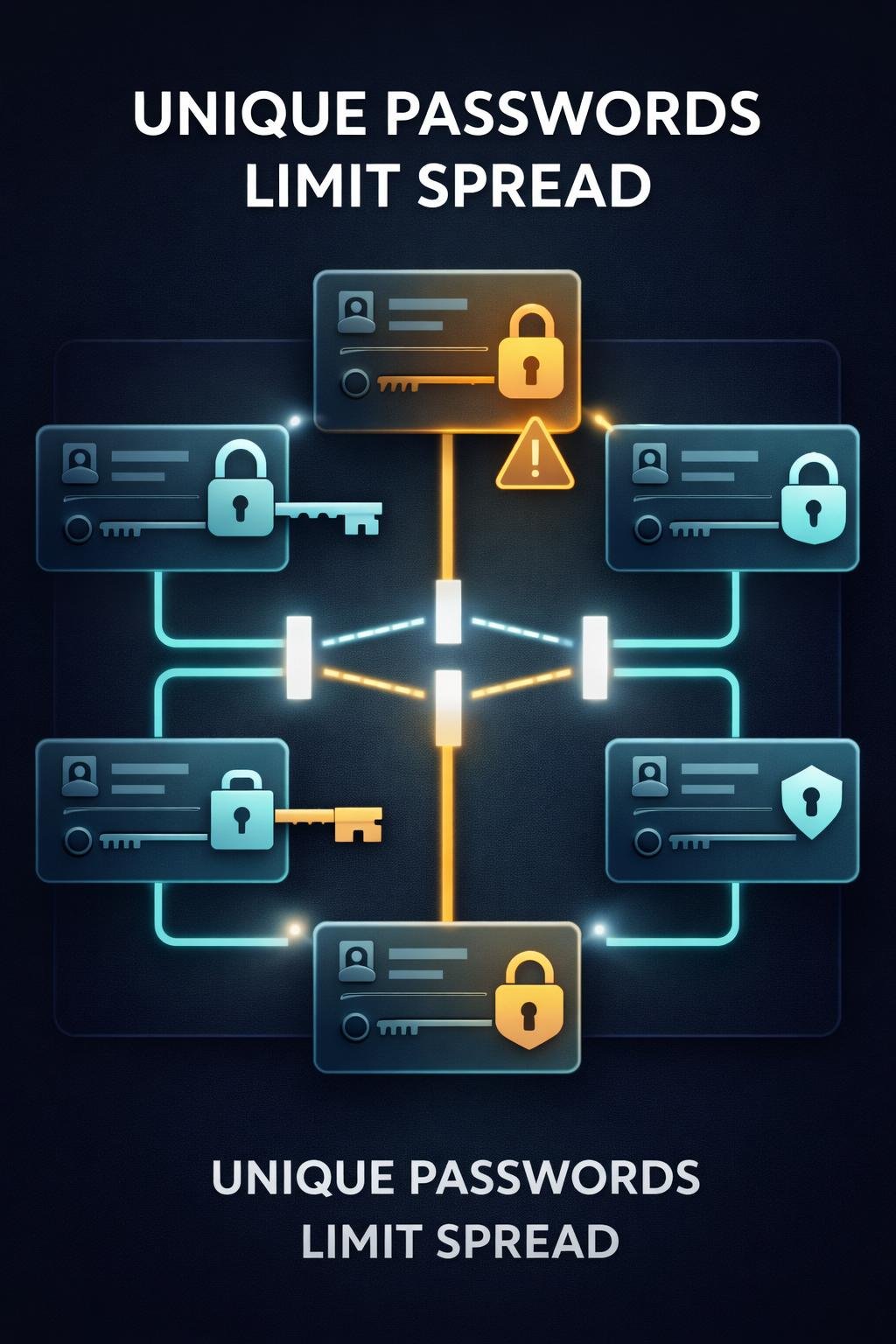
Uniqueness limits the consequences of password exposure. If every account has a different password, a credential exposed through one service cannot simply be used as the password for another account. The affected account may still require urgent action, but the incident is less likely to involve every account protected by the same credential.
Email accounts deserve particular care because they are often involved in recovery for other services. However, every account holding personal, financial, work, or private information benefits from a unique password.
How Strong Password Protection Works
Longer passwords provide more possible combinations than short ones, while unusual or randomly selected content is less predictable than personal details or familiar patterns. These qualities make a password harder to guess. The exact password requirements supported by a service can vary, so users should also check its current official guidance.
Adding symbols does not automatically make a predictable password strong. Simple substitutions, such as replacing a letter with a visually similar number or symbol, often preserve the underlying word and pattern. National Institute of Standards and Technology guidance notes that complicated composition rules can lead people to satisfy requirements in predictable ways.
Password uniqueness provides a separate layer of protection. It does not make an individual password impossible to expose, but it prevents that exact credential from serving as the key to several unrelated accounts.
Services can also reduce risk by blocking commonly used passwords. According to the supplied NIST guidance, such blocklists should target passwords likely to be guessed without becoming so broad that they unnecessarily frustrate users.
Key Components of Secure Password Management
- Length: A longer password or passphrase is generally harder to guess than a short one, particularly when its content is not predictable.
- Randomness: Randomly generated credentials avoid familiar patterns, personal details, and common substitutions.
- Uniqueness: Each account should have its own password so that one exposed credential does not endanger several accounts.
- Memorable passphrases: Multiple unrelated random words can provide a practical option when a password must be remembered and the service supports the resulting passphrase.
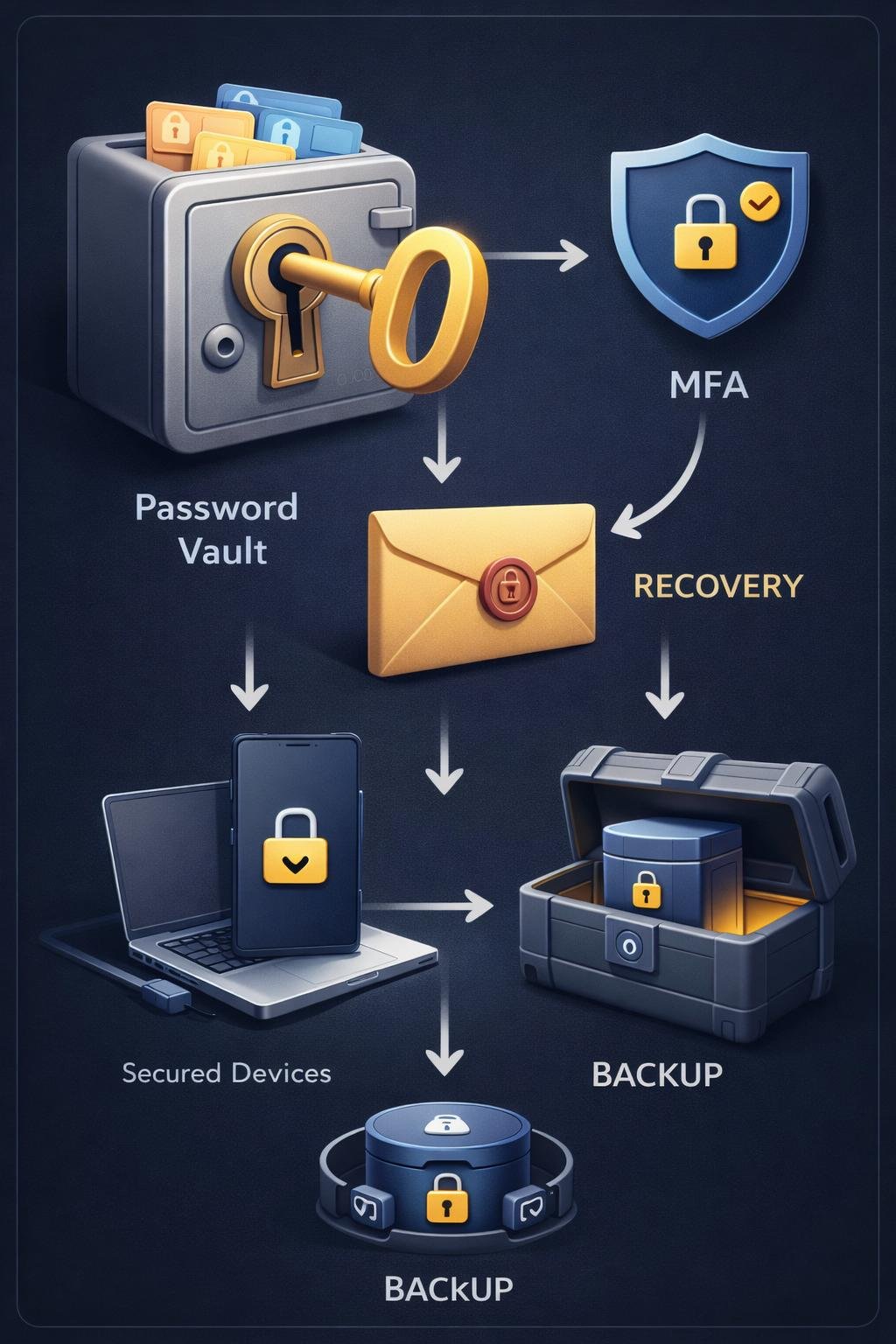
- Password manager: A password manager can generate and store unique credentials, reducing the need to remember every password personally.
- Master password: This protects access to the password manager and should itself be strong, unique, and carefully protected.
- Multifactor authentication: Multifactor authentication, or MFA, asks for an additional form of verification beyond a password. It adds protection but does not make phishing or account compromise impossible.
- Recovery arrangements: Users should understand a manager’s recovery process before relying on it and keep recovery information private.
- Compatibility: A manager should be evaluated for compatibility with the devices and systems on which it will be needed.
- Backups: A locally stored password database requires reliable backups. Without them, device failure or file loss could remove access to stored credentials.
Cloud-based storage can make credentials available across devices, while local storage gives the user responsibility for maintaining the database and its backups. Each approach has risks, so the product, developer, security options, recovery process, and storage model should be evaluated before use.
Everyday Password Examples
Hypothetical examples only: The patterns below illustrate differences in password choices. They are not passwords that readers should copy or use.
| Hypothetical choice | Concern | Safer approach |
|---|---|---|
| A pet’s name followed by a birth year | It combines personal information with a familiar pattern. | Use a unique, unrelated passphrase or a manager-generated password. |
| A favorite sports team with one symbol added | The underlying word remains predictable despite the symbol. | Avoid interests and public personal details when creating credentials. |
| A common word with letters replaced by numbers | Predictable substitutions offer limited protection when the base word is familiar. | Choose unrelated random words or use a password generator. |
| One complicated password used everywhere | Exposure on one service could place several accounts at risk. | Create a different password for every account. |
| Three independently selected, unrelated words | This can be easier to remember while avoiding an obvious personal phrase, although it must remain private and unique. | Use it only where appropriate and never copy a published example. |
| A password-manager-generated credential | It can be difficult to remember without access to the manager. | Protect the manager, its master password, recovery method, and backups. |
The safer method depends on whether the credential must be memorized, the service’s supported requirements, and the user’s storage arrangements.
Benefits and Limitations
Strong, unique passwords reduce predictable guessing and limit the harm caused by password reuse. Password managers can make this approach practical by generating and storing a separate credential for each account.
These measures have limitations. A strong password may still be exposed through phishing, compromised software, an unsafe device, insecure plaintext storage, or a security incident involving a service. A password manager can also become inaccessible if its master password is lost and its recovery process cannot restore access.
Storage choices involve different responsibilities. Cloud-based password storage offers cross-device convenience but may face compromise risk. A local database avoids some cloud-related exposure but can be lost if suitable backups are not maintained.
Saving credentials in an easily accessible plaintext document creates unnecessary risk because the passwords are readable to anyone or anything that gains access to the file. A written copy can be safer than an exposed digital file when it is kept in a genuinely secure physical location, but physical loss or unauthorized access remains possible.
No password, manager, storage model, or authentication method guarantees complete security. These measures reduce risk rather than eliminating it.
Common Password Misunderstandings
Symbols alone make a password strong
A symbol cannot compensate for a short or predictable base word. Length, unpredictability, and uniqueness matter together.
Predictable substitutions prevent guessing
Replacing obvious letters with similar-looking numbers or symbols leaves the original pattern recognizable. It should not be treated as reliable protection.
One very strong password is safe for every account
Strength does not make reuse safe. If that one password is exposed, every account using it may require attention.
Every password must be changed on a fixed schedule
The supplied NIST guidance recommends against arbitrary periodic password changes. Forced routine changes can encourage weaker choices or predictable modifications. A password should instead be changed when compromise is evident, as well as when current official service guidance identifies another valid reason.
A password manager removes every risk
A manager can improve password practices, but its master password, recovery process, devices, backups, and multifactor authentication still require protection.
DigiNana Beginner Guide
Clearly labeled hypothetical example: DigiNana is a fictional educational guide, not a real user or a record of a security test.
In this example, DigiNana helps a beginner identify accounts that share a reused password. The beginner starts with important accounts and replaces each reused credential with a unique one, rather than making small variations of the old password.
For a password that must be remembered, DigiNana explains the option of selecting three unrelated random words. The words are not based on names, birthdays, pets, teams, or a familiar quotation. No published sample is copied because a publicly displayed example is not private.
The beginner then considers a password manager. Before relying on it, they review the developer, storage approach, device compatibility, multifactor authentication support, master-password requirements, and recovery procedure. If the database will be stored locally, they also establish an appropriate backup arrangement.
Finally, the beginner enables multifactor authentication where it is available and stores recovery information privately. The fictional story illustrates a process; the technical choices should be checked against current official documentation for the selected services and tools.
Practical Tips
- Make each password long and difficult to predict. Use unrelated random content rather than personal details, familiar phrases, or common patterns.
- Use a unique password for every account. Do not reuse a strong password or create easily guessed variations of it.
- Consider a memorable passphrase when appropriate. Three randomly selected, unrelated words can be useful when a password must be remembered. Do not use a published example.
- Consider a password manager. Evaluate the provider or developer, storage model, device compatibility, security options, recovery process, and available official documentation.
- Protect the master password. Make it strong and unique, and do not store it in an easily accessible plaintext file.
- Enable multifactor authentication where available. Give particular attention to email, the password manager, and other important accounts.
- Keep written information secure. If a password or recovery detail is written down, store it in a safe physical location away from unauthorized access.
- Avoid exposed plaintext storage. Do not keep readable password lists in easily accessed notes, documents, messages, or files.
- Back up local databases. Maintain suitable backups if the password manager stores its database locally, and protect those backups from unauthorized access.
- Review recovery before an emergency. Understand what happens if a device is lost, a master password is forgotten, or access to an authentication method is unavailable.
These steps should be adapted to the current requirements and recovery options of each service.
Password Safety, Privacy, and Recovery
Prevention
Be cautious of messages, websites, or callers asking for passwords, master passwords, or recovery codes. Do not disclose these secrets in response to an unexpected request. Instead, open the service through a trusted method and check its official support information.
Phishing attempts may imitate a legitimate service to persuade a user to reveal credentials. A strong password does not prevent disclosure on a deceptive page, so users should verify where they are signing in and avoid following suspicious prompts.
Device security also matters. Malicious software may threaten credentials or active sessions, regardless of password strength. Keep devices and security-related software maintained according to current official guidance, and investigate unexpected behavior.
Recovery codes and account-recovery details should remain private. Before adopting a password manager, understand whether recovery is possible, what information it requires, and what could happen if the master password or a device is lost.
Incident response
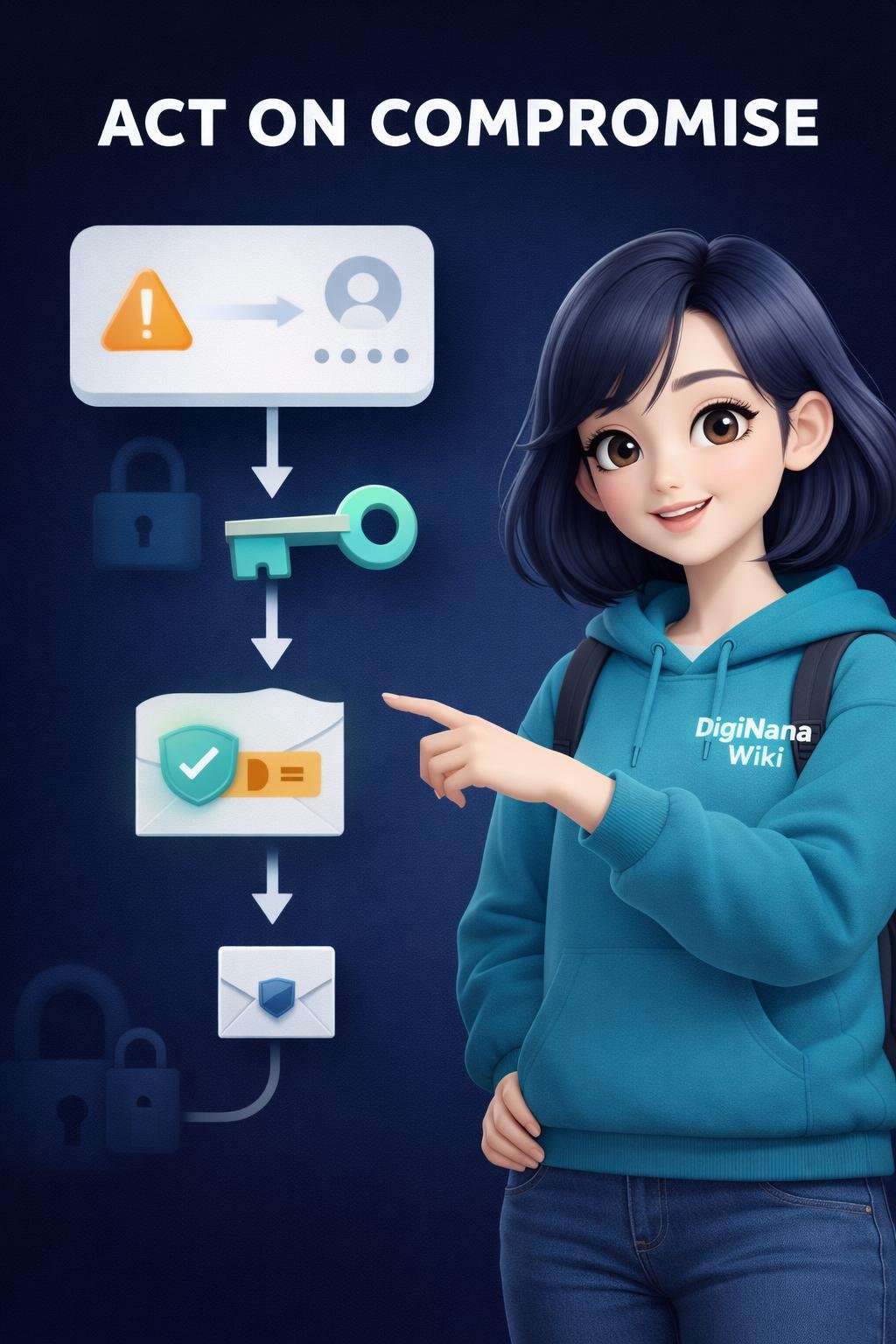
If compromise is suspected or evident, use a trusted device and the service’s official access route. Change the affected password to a new, unique credential, review available account activity and security settings, and check whether recovery details have been altered.
If the exposed password was reused, replace it on every other account where it appeared, using a different password for each one. Review important linked accounts and follow current official recovery guidance. If the device itself may be unsafe, address that risk before entering replacement credentials.
Security features and recovery procedures differ between services and can change. Current official documentation should be used for important recovery and account-protection decisions.
Frequently Asked Questions
How long should a strong password be?
It should be long enough to avoid short, predictable choices, but supported limits and requirements differ by service. Prioritize length together with randomness and uniqueness, and check current official service guidance.
Are three random words a good passphrase?
Three unrelated random words can be a memorable approach recommended by the National Cyber Security Centre. They should not form an obvious saying, contain predictable personal information, or be copied from a published example.
Can I reuse a strong password?
No. Reuse allows one exposed credential to threaten multiple accounts. Every account should have a unique password.
Should I use a password manager?
A suitably evaluated password manager can generate and store unique credentials. Review its developer, storage model, device compatibility, master-password rules, recovery process, multifactor authentication options, and backup needs before relying on it.
Is it safe to write a password down?
A written password may be acceptable if it is kept in a genuinely secure location. It should not be left near a device or anywhere that unauthorized people can easily find it.
Should I change passwords every few months?
Not merely because an arbitrary interval has passed. The supplied NIST guidance recommends changing passwords when compromise is evident rather than forcing routine periodic changes that may encourage predictable choices.
What is a master password?
A master password controls access to a password manager. It should be strong, unique, carefully protected, and supported by a recovery plan that the user understands.
Does multifactor authentication replace a strong password?
No. MFA adds another verification step, but the password should still be strong and unique. Both measures contribute to account protection.
What should I do if I think a password was exposed?
Access the service through a trusted route, follow its current official recovery guidance, and change the affected password to a new unique one. Review account settings and activity, secure linked accounts, and replace the credential anywhere it was reused.
Final Takeaway
Use long, random, unique passwords and avoid significant dates, names, common words, familiar patterns, and predictable substitutions. A suitably vetted password manager can help generate and store separate credentials, provided that its master password, recovery process, device access, and backups are protected.
Add multifactor authentication where available, keep passwords and recovery codes private, and respond promptly to evidence of compromise. Strong password practices reduce risk, but they work best as part of broader device, phishing, recovery, and account-security precautions.
References
- Top tips for staying secure online | Three random words | National Cyber Security Centre — https://www.ncsc.gov.uk/collection/top-tips-for-staying-secure-online/three-random-words
- Cyb3R_Sm@rT!: Use a Password Manager to Create and “Remember” Strong Passwords | CISA — https://www.cisa.gov/resources-tools/training/cyb3rsmrt-use-password-manager-create-and-remember-strong-passwords
- NIST SP 800-63 Digital Identity Guidelines-FAQ — https://pages.nist.gov/800-63-FAQ/
- NIST SP 800-63 Digital Identity Guidelines-FAQ — https://pages.nist.gov/800-63-FAQ/?pubDate=20250428
These verified sources support the password-creation, password-manager, common-password blocking, composition-rule, and password-change guidance presented in this article.
Image Credits
The five DigiNana Wiki visuals associated with this article are original educational illustrations created with AI assistance. They are conceptual and must not be interpreted as verified photographs, exact software interfaces, actual device specifications, or guaranteed technical configurations.
Disclaimer
This article provides general educational information. Security threats, software interfaces, password-manager features, recovery processes, protective recommendations, product capabilities, and service availability can change over time. No password method or security measure guarantees complete protection. Verify important details using current official documentation from the relevant service, software provider, or security authority.