Introduction
Knowing what to do if your account is hacked can help you respond carefully, limit unauthorized access, and begin recovery through the service’s official channels. Prompt action matters because a compromised account may expose personal information, communications, connected services, or payment activity.
Account recovery involves more than changing a password. A complete review may include checking recent activity, removing unfamiliar devices or applications, correcting altered settings, securing reused passwords, and strengthening authentication.
What Is a Compromised Online Account?
An online account is compromised when someone gains or uses access without the account owner’s permission. The owner may still be able to sign in, or the unauthorized person may change the password or recovery information and lock the owner out.
Verified warning signs include losing access to the account, seeing activity that you do not recognize, finding changed security settings, or receiving unexpected password-reset messages. One warning sign does not always explain exactly what happened, but it should prompt a careful review through the service’s official website or application.
Why Account Compromise Matters
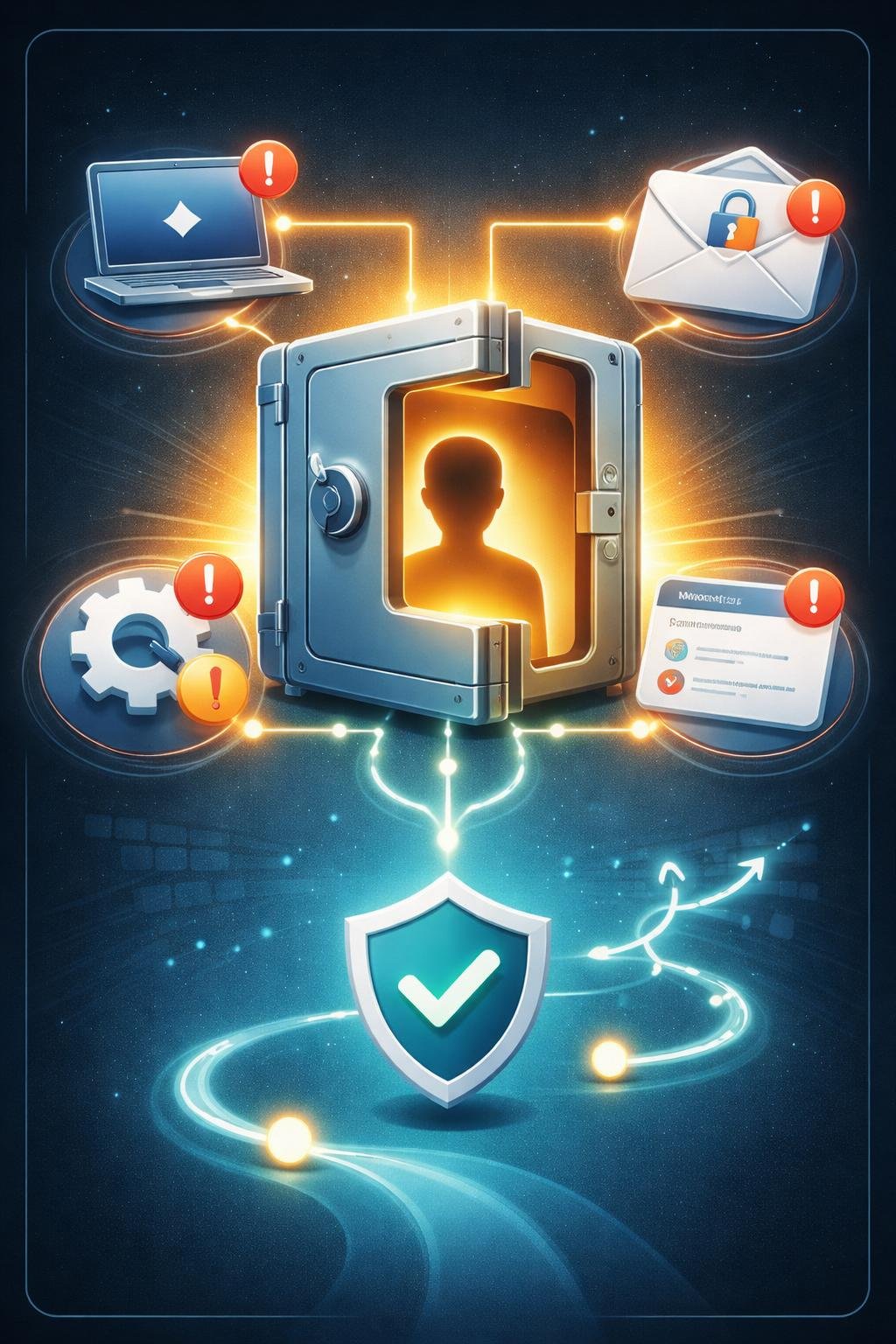
An online account may contain private messages, contact information, shared files, stored payment details, or access to connected services. Unauthorized access can therefore affect more than the account’s sign-in page.
An intruder may also alter recovery information, forwarding rules, sharing settings, or application permissions. These changes can preserve unwanted access or expose information even after the account password has been changed.
Password reuse creates an additional concern. If the compromised password was also used for other accounts, those accounts should receive new, unique passwords as part of the response. Possible unauthorized charges, identity theft, or impersonation may also require help from a bank or appropriate local authorities.
How Account Recovery Works
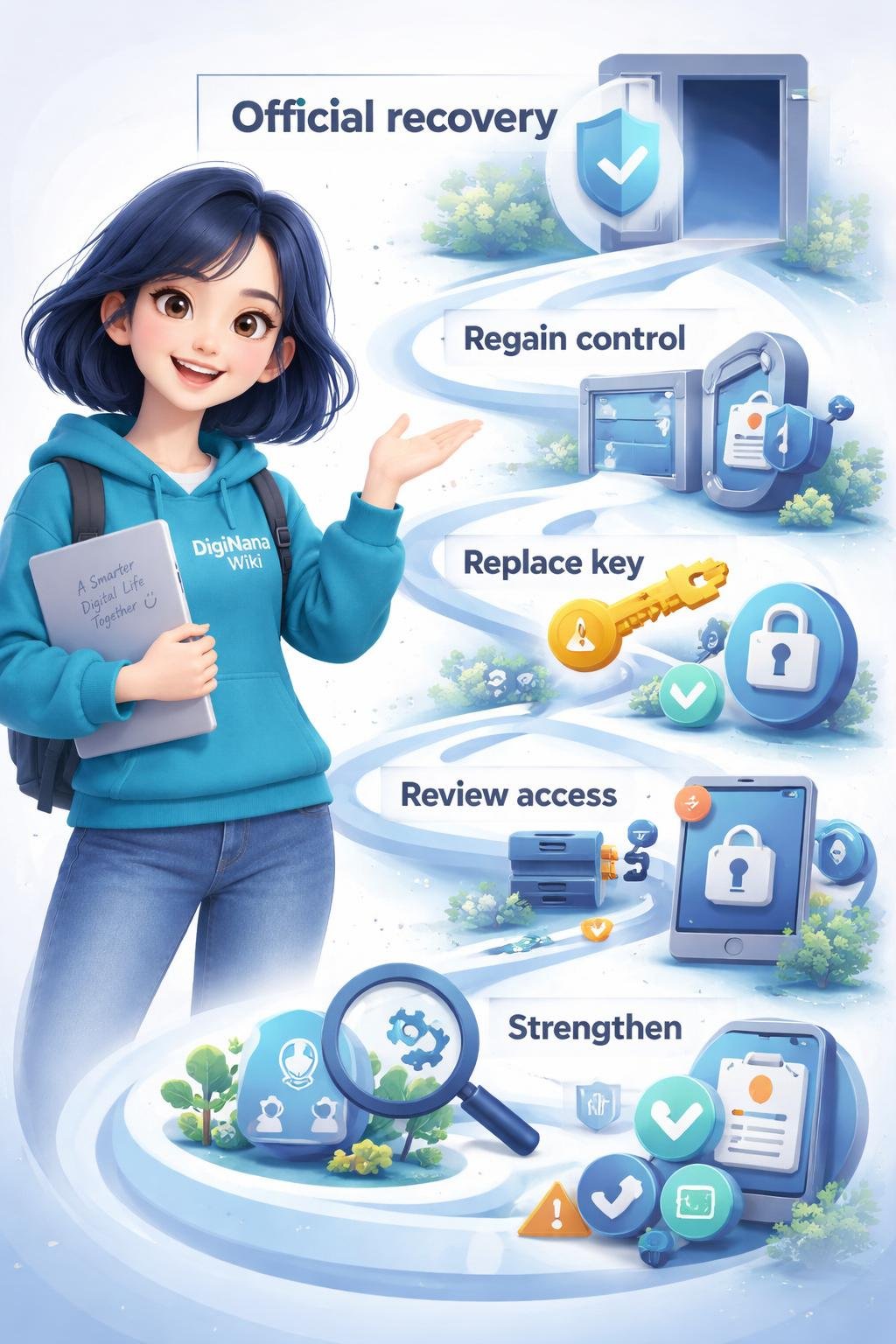
Begin by confirming the warning signs without following links in unexpected messages. Open the service through its known official website or application and look for its account recovery or security guidance.
If you cannot sign in, use the provider’s official recovery process. Recovery procedures differ among services and may involve automated self-service tools, identity checks established by the provider, or assistance from the provider’s support team.
After regaining control, change the account password and change passwords on other services where the exposed password was reused. Review recent security events, active sessions, and signed-in devices, then flag or remove activity and devices you do not recognize.
Continue by examining recovery contact details, third-party application access, forwarding rules, filters, sharing settings, and payment activity where those features are available. Correct unauthorized changes and follow the provider’s security prompts. Finally, enable stronger authentication offered by the service and address any harmful software that may have contributed to the incident.
Key Parts of Account Recovery
| Recovery component | Role in the response |
|---|---|
| Official recovery page | Provides the service’s approved route for users who cannot sign in or need to secure an account. |
| Recovery contact details | Help the provider communicate with the account owner. Review them for unauthorized changes. |
| Password | Should be changed after compromise. Any other account using the same exposed password also needs a different password. |
| Multifactor authentication | Adds another authentication step beyond the password. Use the strongest option supported by the service and appropriate for the account. |
| Signed-in devices and sessions | Show where the account may still be active. Remove or revoke entries you do not recognize. |
| Recent security events | May reveal unfamiliar sign-ins or account changes that need attention. |
| Third-party application access | Allows connected applications to use account information or functions. Revoke unfamiliar access. |
| Forwarding rules and filters | Can change how email is routed or displayed. Inspect them for unauthorized changes. |
| Sharing settings | Control access to files or information. Correct sharing arrangements that you did not approve. |
| Payment activity | May show charges or payment changes that require investigation. |
| Provider support | May assist when self-service recovery is unavailable or unsuccessful. |
Everyday Examples of Account Compromise
Hypothetical example: Unexpected reset message. A person receives a password-reset message they did not request. Instead of selecting a link in the message, they open the service directly through its official application, inspect recent security activity, and follow the provider’s security guidance.
Hypothetical example: Unfamiliar device. A user notices an unknown device in the signed-in device list. They flag or remove the device, change the password, check other active sessions, and review recovery details and application access.
Hypothetical example: Altered forwarding rule. A user discovers that email is being forwarded to an unfamiliar address. They remove the rule, inspect filters and security events, revoke unfamiliar access, and secure the account through the provider’s official process.
Hypothetical example: Unknown charge. A user sees a payment they do not recognize. They review the account’s payment activity and contact their bank when financial information may be involved, while also securing the related online account.
Hypothetical example: Loss of access. A user’s password no longer works and their recovery information appears to have changed. They use the provider’s official account recovery page or support channel rather than accepting unsolicited recovery help.
Benefits and Limitations of Recovery Measures
Changing an exposed password can prevent continued use of that password. Changing reused passwords also addresses the risk to other accounts that shared the same credential.
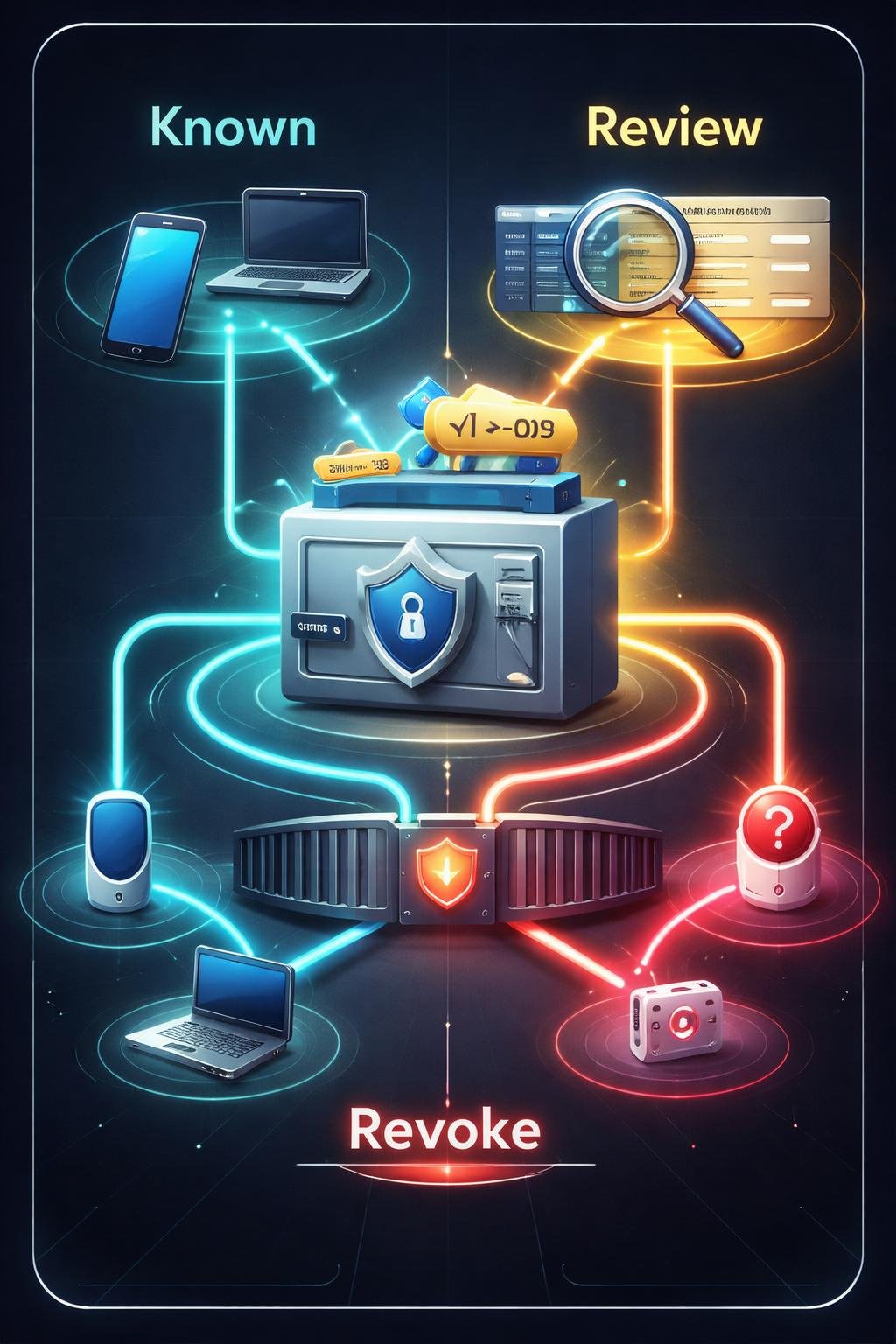
Revoking unfamiliar sessions, devices, and application access can remove identified access paths. Reviewing security events, recovery details, forwarding rules, filters, sharing settings, and payment activity can reveal changes that a password reset alone would not correct.
Software updates, removal of harmful software, and removal of unknown browser extensions can address risks on the device used to access the account. Offline, encrypted backups that have been tested are also valuable where data loss or a broader incident is relevant.
Multifactor authentication can strengthen account access, but it does not guarantee complete protection. No single recovery measure addresses every possible problem, and available recovery tools, authentication options, and security features vary among providers.
Common Misunderstandings About Hacked Accounts
“Changing the password completes recovery.”
A password change is important, but unfamiliar devices, active sessions, connected applications, forwarding rules, recovery details, or sharing settings may still need attention.
“If I can still sign in, the account must be safe.”
Continued access does not rule out compromise. Unrecognized activity or altered settings can appear while the legitimate owner can still use the account.
“Only the affected account needs a new password.”
Any other account using the same exposed password should also receive a new and different password. This step is separate from recovering the original account.
“Multifactor authentication makes compromise impossible.”
Multifactor authentication is a valuable protection, but no method guarantees complete security. Users must still watch for phishing, review account activity, and protect recovery information.
DigiNana Beginner Guide
Fictional educational scenario: DigiNana receives an unexpected password-reset message and later notices that she cannot sign in. This scenario illustrates a defensive sequence; it is not a report of a real incident or test.
- DigiNana avoids the message link and opens the service’s official recovery page directly.
- After regaining access, she reviews recent security events, signed-in devices, and active sessions.
- She changes the exposed password and replaces it on any other account where she had reused it.
- She removes unfamiliar devices and revokes third-party application access that she does not recognize.
- She checks recovery contact details, forwarding rules, filters, sharing settings, and payment activity for unauthorized changes.
- She follows the provider’s security prompts and enables a stronger authentication option supported by the service.
The factual lesson is that recovery should combine official account access, credential changes, access revocation, settings review, and stronger authentication rather than relying on one action alone.
Practical Tips
- Open the service directly. Use its known official website or application instead of links in unexpected recovery messages.
- Use the official recovery route. If you cannot sign in, follow the provider’s account recovery page or official support channel.
- Change exposed credentials. Set a new password for the affected account and replace the password on every other account where it was reused.
- Review account activity. Inspect recent security events, sign-in activity, and payment activity where available.
- Remove unfamiliar access. Revoke unknown devices, sessions, and third-party applications.
- Inspect account settings. Check recovery details, forwarding rules, filters, sharing settings, and other security settings for unauthorized changes.
- Strengthen authentication. Enable multifactor authentication or the stronger authentication option offered by the service.
- Check the device. Update software, remove harmful software, and uninstall browser extensions you do not recognize.
- Prepare for future recovery. Keep recovery information accurate and learn the provider’s recovery procedure before another incident occurs.
- Protect important data. Where relevant, maintain encrypted offline backups and test whether they can be restored.
Never disclose a password, authentication code, or recovery code to someone offering unsolicited help.
Safety and Privacy During Recovery
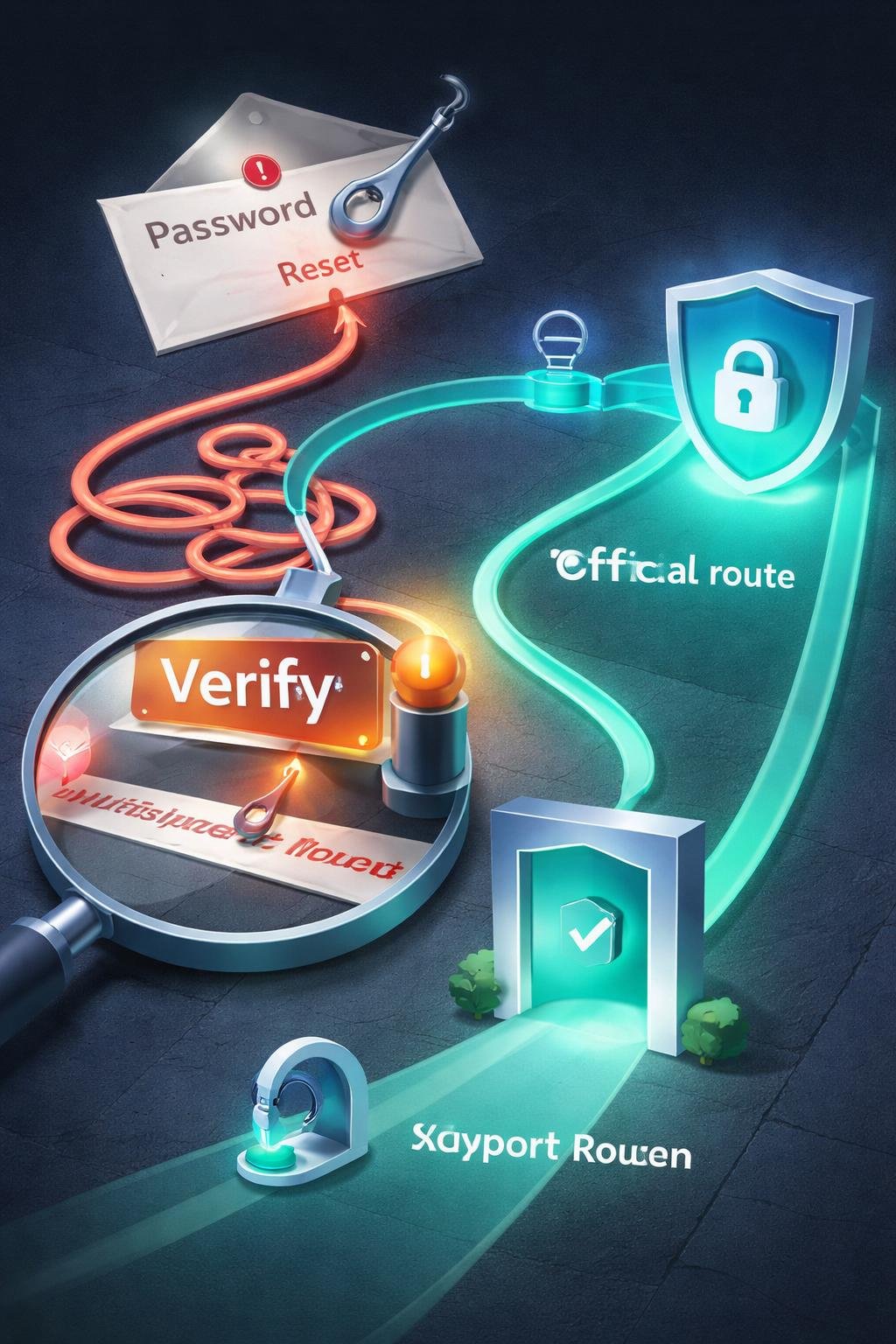
Recovery messages can themselves be used as phishing lures. Phishing is an attempt to persuade someone to disclose sensitive information or take an unsafe action. Avoid unexpected links and use the service’s official application, website, documentation, or support route.
Inspect email forwarding rules, filters, file-sharing settings, recovery contacts, and connected applications. These areas can contain unauthorized changes that remain relevant after a password reset.
Remove harmful software and unknown browser extensions, and update software on devices used with the account. Protect passwords, authentication codes, and recovery information; legitimate recovery should not require sharing these secrets with an unsolicited helper.
Contact your bank when financial information or unauthorized charges may be involved. Appropriate local authorities may also need to be contacted when government information, identity theft, or impersonation is involved.
Personal account recovery is different from an organization’s incident duties. An organization handling a breach may need to follow applicable notification requirements, consult appropriate professional advisers, and inform affected people about exposed information and relevant remedial steps.
Frequently Asked Questions
What should I do if I cannot sign in?
Use the provider’s official account recovery route. Depending on the service, recovery may use self-service tools or require help from provider support.
What should I do when I see unfamiliar activity?
Open the account through the official service, review its security events and signed-in devices, flag activity you do not recognize, and follow the provider’s security prompts.
Do I need to change passwords on other accounts?
Yes, if those accounts used the same exposed password. Give each affected account a different password rather than moving the compromised password elsewhere.
How do I remove an unknown device?
Use the service’s signed-in device or session controls if available. Flag or remove the unfamiliar entry and then review other account activity and security settings.
How can I check whether account settings were altered?
Review recovery contact details, third-party application access, forwarding rules, filters, sharing settings, payment methods, and other security settings offered by the provider.
Should I enable multifactor authentication?
Enable a stronger authentication option supported by the service after securing the account. It adds protection, but it should be combined with activity reviews, phishing awareness, and safe handling of recovery information.
What if money or identity information may be affected?
Secure the account and review payment activity. Contact your bank when financial information may be involved, and contact appropriate local authorities when identity theft, impersonation, or government information may be involved.
How can I prepare before another incident?
Keep recovery information current, learn the provider’s official recovery procedure, use stronger authentication, update software, and maintain tested offline encrypted backups where relevant.
Final Takeaway

Use official recovery options first. Regain control, change the affected password and any reused passwords, remove unauthorized devices or applications, and inspect recent activity, recovery details, forwarding rules, filters, sharing settings, and payment activity.
Address harmful software and phishing risks, strengthen authentication, and prepare recovery information and suitable backups in advance. These steps can reduce risk, but no individual measure guarantees complete protection.
References
- Using online services safely | Recovering a hacked account or service | National Cyber Security Centre: https://www.ncsc.gov.uk/collection/using-online-services-safely/recovering-hacked-account-or-service
- #StopRansomware Guide | CISA: https://www.cisa.gov/stopransomware/ransomware-guide
- Secure a hacked or compromised Google Account – Google Chrome Help: https://support.google.com/chrome/answer/6294825?hl=en
- ခိုးယူခံရသောအကောင့်တစ်ခုကို ပြန်လည်ရယူရန် | Facebook အကူအညီစင်တာ: https://www.facebook.com/help/1216349518398524/
Image Credits
The five DigiNana Wiki visuals associated with this article are original educational illustrations created with AI assistance. They are conceptual visuals and must not be interpreted as verified photographs, exact software interfaces, actual device specifications, or guaranteed technical configurations.
Disclaimer
Security threats, software interfaces, product features, protective measures, recovery procedures, and service availability can change over time. No method guarantees complete protection. Verify important recovery steps and security details through the service provider’s current official documentation before acting.