
Introduction
The question “what is a passkey” has become increasingly relevant as websites and apps introduce alternatives to traditional passwords. A passkey is a passwordless authentication method that uses cryptographic authentication and local confirmation on a trusted device.
Passkeys can reduce exposure to common password problems, including password reuse, credential theft, and phishing. They do not guarantee complete security, however, and their availability depends on the service, device, credential manager, and applicable authentication requirements.
What Is a Passkey?
A passkey is a passwordless authentication method built on the Fast Identity Online 2, or FIDO2, standard. It allows a person to sign in to a compatible website or app without entering a traditional account password.
The person commonly confirms the sign-in with the biometric or personal identification number, or PIN, used to unlock a trusted device. This local check activates the cryptographic credential used for authentication.
A passkey is therefore not simply a password that a device remembers. It is a cryptographic authenticator that proves control of a key through a secure authentication protocol.
Why Passkeys Matter

Traditional passwords must normally be created, remembered, entered, and protected from reuse or disclosure. Passkeys remove the need to remember and type a password for a supported account.
Passkeys also address several password-related risks. They cannot be intercepted, reused, or stolen in the same way as traditional passwords. When a phishing-resistant protocol is implemented correctly, authentication is designed to resist attempts to trick a person into submitting reusable account credentials to an imitation website.
Cryptographic authentication can also reduce the exposure created by centrally verified passwords. Instead of sending a password for comparison, the authentication protocol proves that the claimant controls the required cryptographic key.
Support is not universal. One supplied audit of mobile banking applications reported limited passkey integration among the applications it examined. Availability must therefore be checked for each website, app, device, and credential manager.
How Passkey Authentication Works
Authentication establishes that a person controls an authenticator connected to an account. With a passkey, this proof is provided through cryptography rather than by sending a traditional password to be centrally verified.
- A compatible website or app begins an authentication process for the account.
- The trusted device or credential manager identifies the appropriate cryptographic credential.
- The user confirms access locally, such as with the biometric or PIN used to unlock the device.
- The secure protocol proves possession and control of the cryptographic key to the website or app verifier.
- The verifier evaluates that cryptographic proof and completes authentication if its requirements are met.
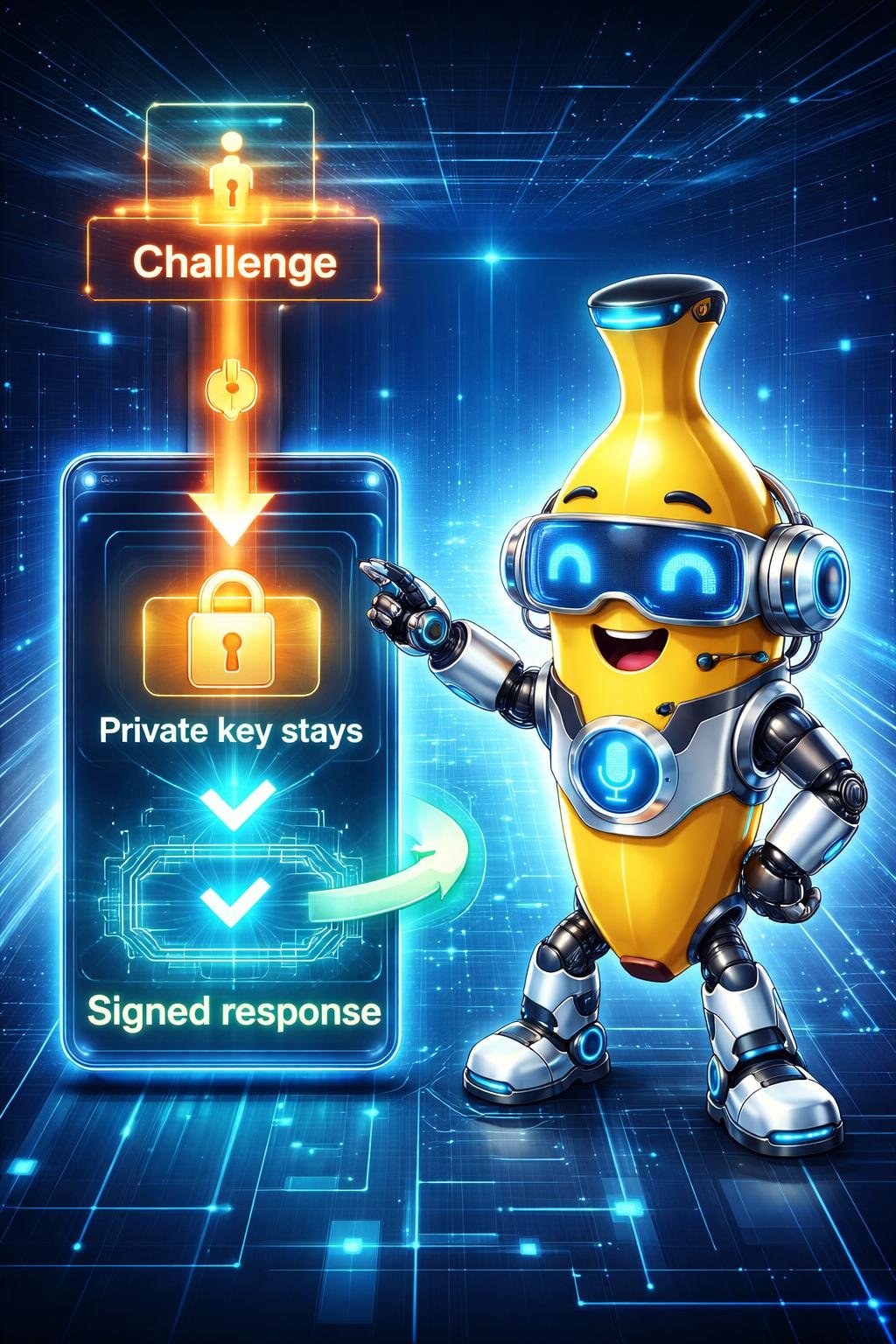
The local biometric or activation secret is not sent to the verifier. It is used on the device to activate the authenticator. This distinction helps separate local device unlocking from the cryptographic proof evaluated by the online service.
Key Components of a Passkey
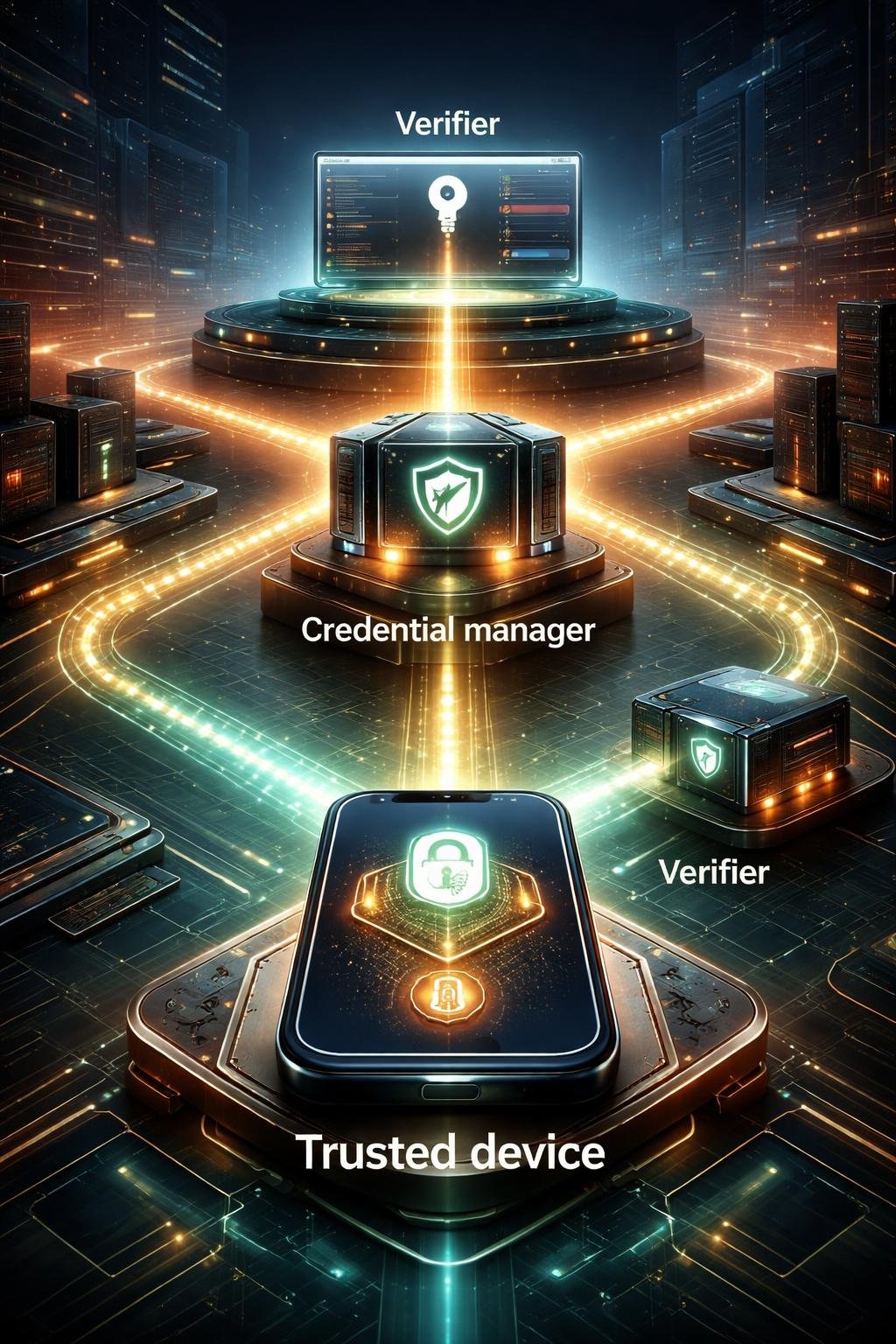
| Component | Role |
|---|---|
| User account | The account to which the authenticator is bound. |
| Trusted device | The device on which the user can access or activate the passkey. |
| Cryptographic credential | The credential used to prove control of a cryptographic key through a secure protocol. |
| Credential manager | The system that can create, protect, store, back up, and synchronize passkeys across trusted devices. |
| Local biometric or PIN | The local method used to confirm the user and activate the authenticator. It is not sent to the website or app verifier. |
| Website or app verifier | The service that evaluates the authentication proof for the account. |
These components work together, but they do not all perform the same task. The device verifies the local activation method, while the online service verifies cryptographic proof associated with the account.
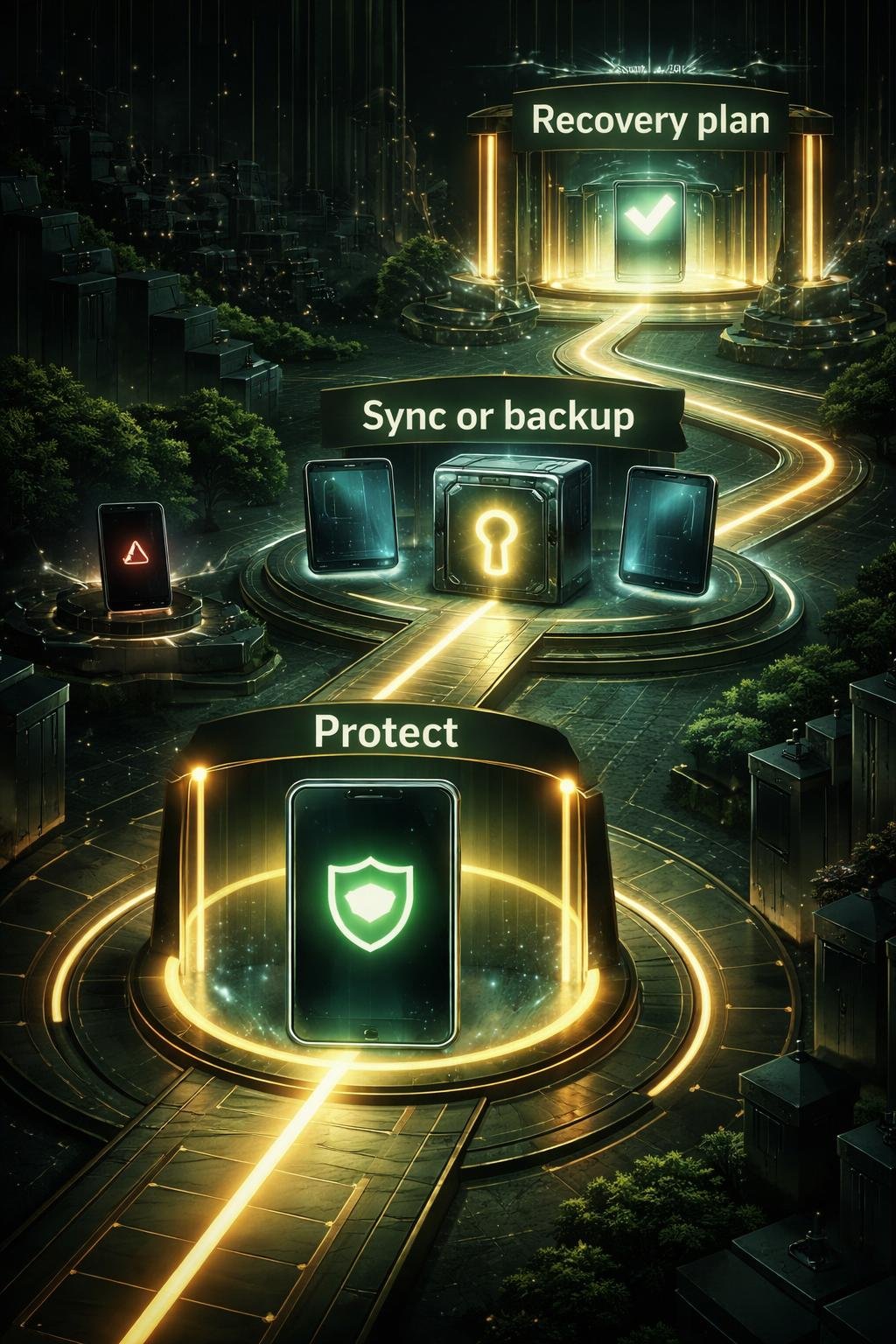
Some credential managers can back up and synchronize passkeys across trusted devices. Such passkeys are described as syncable authenticators. Synchronization can improve access across devices, but it also means that the protection and recovery arrangements of the credential manager matter.
Everyday Passkey Examples
Hypothetical example: Signing in on a trusted device
A person visits a compatible website and selects its passkey sign-in option. The trusted device asks for the same local biometric or PIN used to unlock it. After local confirmation, the passkey protocol proves control of the credential to the website without sending a traditional password.
Hypothetical example: Signing in to an app
A beginner opens an app that supports passkeys. The app starts authentication, and the device requests local confirmation. The app receives the result of the cryptographic authentication process rather than the user’s biometric information or device PIN.
Hypothetical example: Using another trusted device
A person has a passkey backed up and synchronized by a credential manager. After following that manager’s official process on another trusted device, the synchronized passkey may be available there. The exact setup, synchronization, and recovery process depends on the current service and credential manager.
These are educational scenarios, not reports of tests performed on particular products or services.
Benefits and Limitations of Passkeys
Potential benefits
- No password to remember: A passkey replaces the traditional password for a supported account.
- Reduced password reuse: The person is not reusing a memorized password across supported services.
- Resistance to conventional credential theft: A reusable password is not sent to the verifier during passkey authentication.
- Phishing resistance: Passkeys using a phishing-resistant protocol are designed to avoid the interception and reuse associated with passwords.
- Replay resistance: Relevant cryptographic protocols can provide resistance to replay, in which previously captured authentication information is submitted again.
- Local user verification: A biometric or activation secret can be required locally without being sent to the verifier.
Limitations and remaining considerations
- Uneven support: Not every website or app supports passkeys.
- Device protection still matters: Access depends partly on the security of trusted devices and their unlock methods.
- Credential-manager protection matters: Storage, backup, synchronization, and recovery arrangements affect access to syncable passkeys.
- Implementations can differ: Users should follow the current official documentation for each service and credential manager.
- Assurance levels differ: Not every authenticator is suitable for every authentication assurance requirement.
The National Institute of Standards and Technology, or NIST, states that Authentication Assurance Level 3 requires the private key to be non-exportable. Syncable authenticators are therefore prohibited at that level. This illustrates why convenience through synchronization and the assurance required for a particular system must be considered separately.
Common Misunderstandings About Passkeys
A passkey is just a saved password
This is incorrect. A saved password remains a password. A passkey uses cryptographic authentication to prove control of a key instead of sending a centrally verified password.
The website receives my biometric or device PIN
The local biometric or activation secret is not sent to the verifier. It is used locally to activate the authenticator.
Every passkey provides the same assurance
Authentication assurance depends on the authenticator and applicable requirements. For example, syncable authenticators do not meet the NIST requirement for a non-exportable private key at Authentication Assurance Level 3.
Every app already supports passkeys
Passkey adoption is not universal. Users must check the current sign-in options and official documentation for the relevant service.
Passkeys make an account completely secure
No authentication method guarantees complete protection. Device security, credential-manager protection, phishing awareness, malware prevention, service security, and safe recovery arrangements remain important.
DigiNana Beginner Guide
Hypothetical educational scenario: DigiNana is helping a beginner create a passkey for a compatible account. Before continuing, they read the service’s current official instructions and check which credential manager will store the passkey.
The beginner selects the passkey option and confirms identity locally with the trusted device’s unlock method. DigiNana explains that this local confirmation activates the cryptographic authenticator; it does not send the biometric or PIN to the website.
They then review whether the credential manager backs up or synchronizes the passkey across trusted devices. They also examine the service’s available account-recovery arrangements before relying on the new sign-in method.
This fictional scenario illustrates general concepts. It is not a product test and does not represent the exact interface, features, or recovery process of any particular service.
Practical Tips
- Follow the current official setup instructions provided by the website, app, device provider, and credential manager.
- Protect trusted devices and use a strong device unlock method appropriate to the device’s supported options.
- Understand where a passkey is stored and whether the credential manager backs it up or synchronizes it.
- Review official account-recovery arrangements before losing access to a device or credential manager.
- Keep devices and relevant security software maintained according to current official guidance.
- Remain cautious about unexpected sign-in prompts, messages, and requests for account secrets.
- Never disclose a password, device PIN, authentication code, recovery code, or other secret in response to an unsolicited request.
- Do not assume that passkey support or behavior is identical across services.
These measures support passkey use, but they cannot remove every account, device, software, or recovery risk.
Passkey Safety, Privacy, and Account Recovery
Preventive protection
Public-key cryptography helps protect authentication secrets from verifier compromise because authentication does not depend on a centrally verified password. Phishing-resistant and replay-resistant protocols can provide stronger protection against specific credential attacks when the relevant protections are supported and correctly implemented.
Passkeys do not remove the need to secure the surrounding environment. A trusted device, its local unlock method, and the credential manager must remain protected. Users should also follow current official guidance for malware prevention and treat unexpected sign-in or recovery requests cautiously.
Privacy is helped by keeping the local biometric or activation secret on the device rather than sending it to the verifier. Users should still review the current privacy and synchronization information supplied by their credential manager and account service.
After device loss or suspected compromise
If a trusted device is lost or account compromise is suspected, prevention gives way to incident response. The user should promptly consult and follow the current official recovery and security guidance from the account service, device provider, and credential manager.
Recovery procedures vary, so an unverified sequence of steps should not be assumed. Do not provide passwords, PINs, recovery codes, or other secrets to anyone claiming that disclosure is required outside the official recovery process.
Frequently Asked Questions
Is a passkey the same as a password?
No. A passkey uses cryptographic authentication to prove control of a key, while a traditional password is a secret that the user enters for verification.
Does a website receive my biometric or device PIN?
No. The local biometric or activation secret is used on the device and is not sent to the website or app verifier.
Can passkeys synchronize across trusted devices?
Yes, a credential manager can back up and synchronize passkeys across trusted devices. Whether this is available and how it works depend on the current credential manager and service.
Does every service support passkeys?
No. Support and implementation vary, so users should check each service’s current official documentation.
How do passkeys resist phishing?
Passkeys do not provide a reusable password that can be intercepted and submitted in the conventional way. Their phishing resistance depends on the use of an appropriate secure protocol.
Do passkeys provide complete protection?
No. Passkeys reduce important password-related risks, but device security, service security, malware prevention, credential-manager protection, phishing awareness, and safe recovery still matter.
Final Takeaway

Passkeys use cryptographic authentication instead of a traditional password. They can allow a user to confirm access locally with the biometric or PIN used to unlock a trusted device, without sending that local secret to the website or app verifier.
This design provides meaningful resistance to password reuse, conventional credential theft, phishing, and replay when the relevant security protocols support those protections. Passkeys are not a guarantee of complete security, and implementations, authentication assurance requirements, service support, device protection, credential-manager security, and recovery planning all remain important.
References
- Incorporating Syncable Authenticators Into NIST SP 800-63B | NIST
- Security audit exposes major flaws in 51.5% of Android and iOS banking apps — and digital-only neobanks fared far worse than traditional banks | TechRadar
- Passkeys: what you need to know | National Cyber Security Centre
- NIST Special Publication 800-63B
Image Credits
The five DigiNana Wiki visuals accompanying this article are original educational illustrations created with AI assistance. They are conceptual illustrations and must not be interpreted as verified photographs, exact software interfaces, actual device specifications, or guaranteed technical configurations.
Disclaimer
Security threats, software interfaces, product features, service availability, and recommended protective measures can change over time. Verify important setup, compatibility, security, privacy, synchronization, and recovery details through current official documentation from the relevant service, device provider, and credential manager. No authentication or security method guarantees complete protection.