
Introduction
If you have wondered what is an AI prompt, it is the input you provide to a generative AI model to guide the response it produces. A prompt might ask for an explanation, a summary, computer code, an equation, or information arranged in a structured format.
Prompting matters because a model uses the supplied instructions and context when generating its output. Clear prompts can make responses more relevant and consistent, but they cannot guarantee that an answer will be correct or identical each time.
What Is an AI Prompt?
An AI prompt is input given to a language model so that it can generate an output. The input commonly includes text, although the exact ways people submit prompts depend on the model and the product or interface being used.
A prompt can request prose, code, equations, or structured data such as JavaScript Object Notation (JSON). It may contain a simple question, detailed instructions, source material to process, examples of the desired result, or a combination of these elements.
Prompting means providing this input to a model. Prompt engineering means designing and refining instructions so the model is more likely to produce content that meets stated requirements consistently.
Why AI Prompts Matter
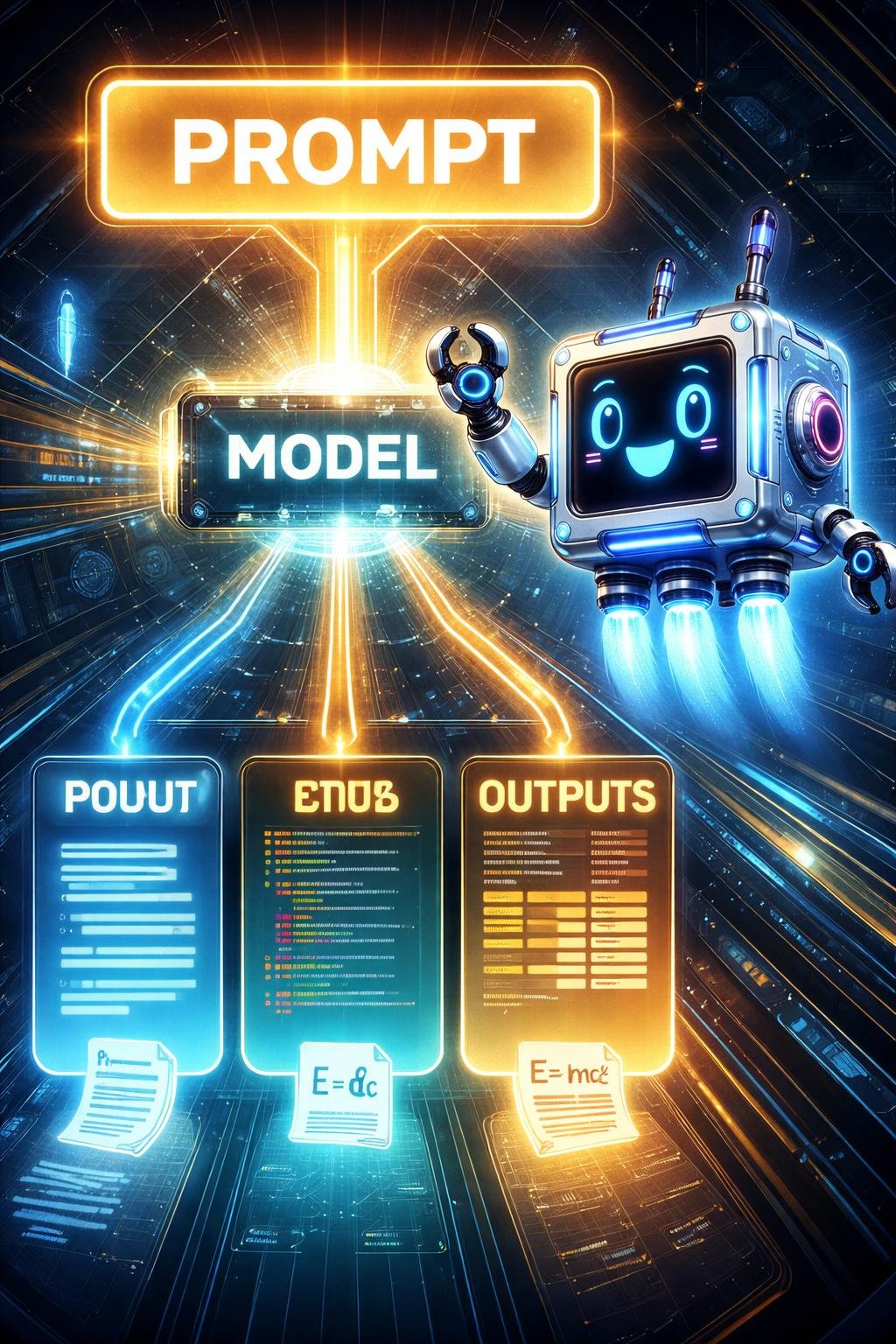
A language model responds to the information it receives. Prompt clarity and structure can therefore influence whether the response follows the intended task, uses a requested tone, includes relevant context, or follows a particular format.
For example, asking for “a summary” leaves many decisions unspecified. A request for “a five-point summary for a beginner, using plain language” gives clearer guidance about length, structure, and audience.
Strong prompts can improve usefulness and consistency, but prompting is not a guarantee. Generated results can vary, and a well-written instruction does not establish that every statement in the resulting answer is accurate.
How Prompting Works
Prompting takes place during inference, the stage in which a language model processes supplied input and generates a response. The model produces words that it considers likely to follow the text and instructions it has received.
Inference-time prompting is different from training. A prompt guides the current generation process; it does not by itself permanently retrain or modify the underlying model.
A prompt can contain a small number of example inputs and desired outputs. This technique is commonly called few-shot prompting. The examples condition the model’s behavior for the current inference, but they do not permanently become part of the model.
Language-model output is non-deterministic, meaning that the same prompt can produce different responses. Prompt effectiveness can also vary among model types, scenarios, or model snapshots. Instructions that work well in one setting may therefore need to be tested and adjusted in another.
Key Components of an Effective Prompt
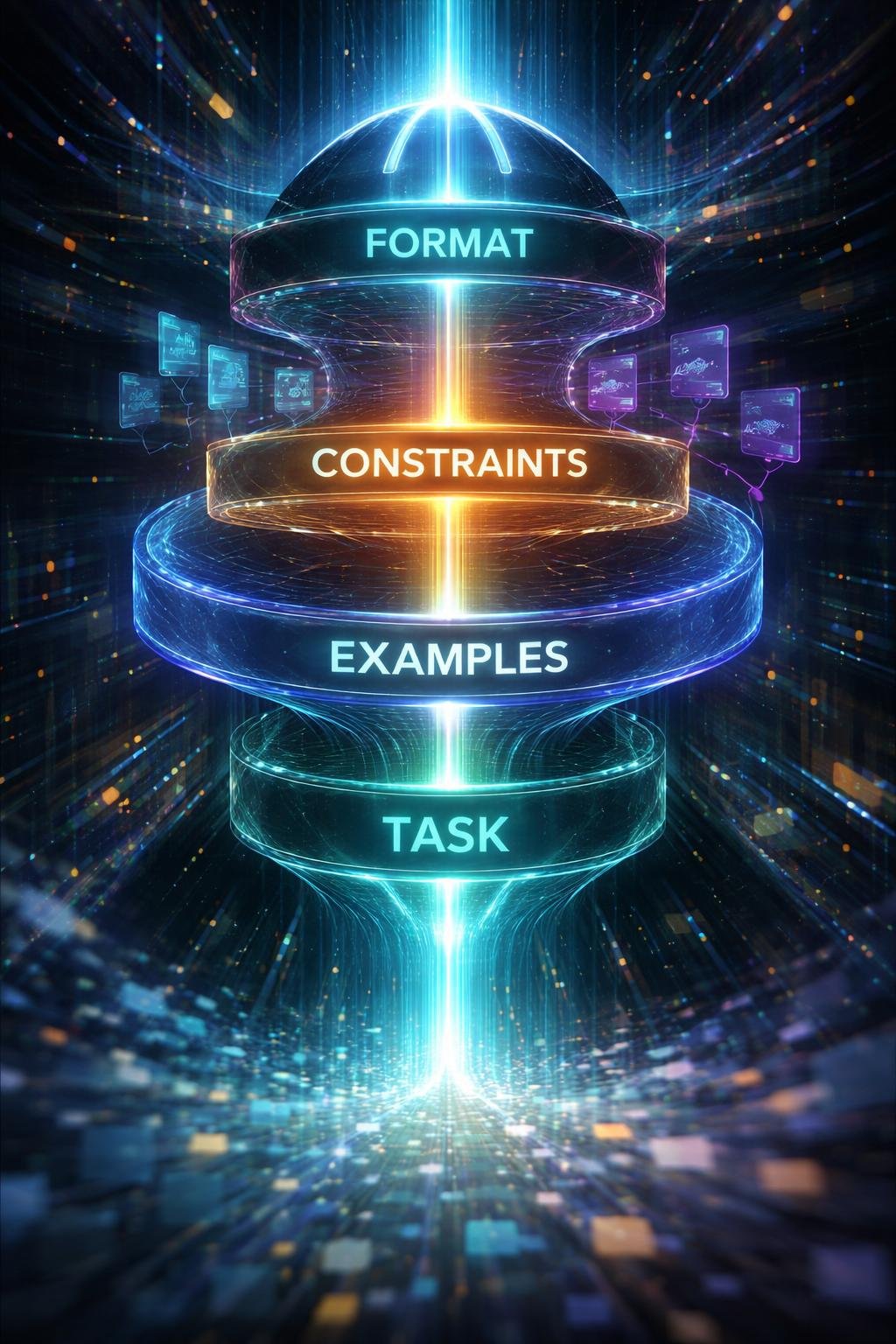
An effective prompt does not need every possible component. It should include the information necessary to make the task and expected result clear.
| Component | Purpose |
|---|---|
| Instruction | States what the model should do. |
| Primary content | Provides the text, data, question, or other material to process. |
| Context | Supplies relevant background, audience needs, or preferences. |
| Examples | Demonstrates desired input-output behavior for the current task. |
| Cues | Primes the type, direction, or structure of the expected response. |
| Output format | Requests a form such as a list, table, prose passage, code block, or structured JSON. |
| Tone or role guidance | Describes the style, perspective, goal, or general behavior expected. |
| Constraints | Defines boundaries such as audience, scope, length, or required sections. |
Some model interfaces organize prompts into message roles with different authority levels. High-level instructions can define overall behavior, tone, and goals, while ordinary user input supplies task-specific details and content. Higher-authority instructions take priority over ordinary input when the two conflict.
In an application that supports this structure, overall role or tone guidance can be placed in a high-level system message, while the user message contains the immediate task, relevant content, and examples. Available message roles and their implementation depend on the service being used.
Everyday Prompt Examples
Hypothetical example: Summarizing text
Vague prompt: “Summarize this.”
Clearer prompt: “Summarize the following article for a beginner. Use five bullet points, explain unfamiliar terms in plain language, and do not add information that is absent from the supplied text. Article: [text].”
The clearer version identifies the audience, requested format, source content, and an important boundary.
Hypothetical example: Drafting prose
Vague prompt: “Write an email about the meeting.”
Clearer prompt: “Draft a concise, neutral email reminding the project team about tomorrow’s planning meeting. Include the purpose of the meeting and a request to review the attached agenda. Do not invent a time or location.”
This version defines the type of writing, tone, intended readers, required details, and information the model must not invent.
Hypothetical example: Structured output
Example prompt: “Convert the supplied list into JSON. Use the fields ‘task’ and ‘status’. Return valid JSON only and preserve the wording of each task. List: [content].”
The requested field names and output restriction help guide the structure of the response.
Hypothetical example: Generating code
Example prompt: “Write a function that receives a list of names and returns them in alphabetical order. Explain the inputs and output, then provide two simple example cases.”
This request states the task and asks for documentation and examples. It does not demonstrate that generated code is correct; the result would still need review and testing.
Benefits and Limitations of Prompting
Well-constructed prompts can make the desired task more explicit. They can guide the response toward a useful audience, tone, scope, or format and can improve consistency across repeated tasks.
Examples and supporting context can reduce ambiguity. Dividing a complicated task into smaller steps can also make the requested process easier to follow and evaluate.
Prompting cannot guarantee factual accuracy, perfect instruction-following, or identical output. Results remain non-deterministic, and a technique that works for one model or scenario may be less effective in another.
Generated content therefore requires validation. Factual statements should be checked against appropriate sources, structured output should be inspected for the required form, and generated code should be reviewed and tested before use.
Common Misunderstandings About AI Prompts

A prompt permanently trains the model
A normal inference-time prompt guides a current response. Few-shot examples can influence behavior within that task, but they do not permanently retrain the underlying model.
A detailed prompt guarantees a factual answer
Detail can clarify requirements, but it does not prove that the generated information is accurate. Human review and source checking remain necessary.
The same prompt always produces the same result
Language-model generation is non-deterministic, so repeated use of the same wording can produce different responses.
One prompt works equally well with every model
Prompt effectiveness varies by model type, model snapshot, and scenario. Prompts should be evaluated in the setting where they will actually be used.
The AI product and the AI model are the same thing
An AI model is the underlying system that processes input and generates output. An AI product is an application, service, or interface through which a person or another application may access a model. Product controls and interface features should not automatically be treated as properties of the underlying model.
DigiNana Beginner Guide
Fictional educational example: DigiNana wants help turning notes about a community workshop into a short announcement. Her first request is, “Write something about the workshop.” This is vague because it does not identify the audience, essential content, boundaries, or desired format.
DigiNana improves the request by adding four parts:
- Task: Draft a workshop announcement.
- Context: The announcement is for local beginners interested in learning basic digital skills.
- Constraints: Use only the supplied notes, use plain language, and do not invent dates, prices, or contact details.
- Output format: Write a heading followed by two short paragraphs and a three-item list.
Her combined hypothetical prompt becomes: “Using only the notes below, draft an announcement for local beginners interested in basic digital skills. Use plain language. Do not invent dates, prices, contact details, or activities. Produce a heading, two short paragraphs, and a three-item list of topics. Notes: [workshop notes].”
This fictional illustration shows how a task, context, constraints, and output format can turn a broad request into a more precise prompt. It is an educational example, not a report of a real model test or a guarantee of a particular result.
Practical Tips
- State the task explicitly. Use a direct instruction such as “compare,” “summarize,” “classify,” or “draft,” and explain what material the model should process.
- Separate prompt sections. Clearly label instructions, context, source content, examples, and output requirements so their relationships are easier to follow.
- Provide relevant examples. A small set of concise examples can demonstrate the behavior expected during the current inference.
- Specify the output format. Ask for the structure you need, such as a list, table, prose response, code, or named JSON fields.
- Define the audience and tone. Explain who will read the output and whether the wording should be neutral, concise, technical, or beginner-friendly.
- Divide complex tasks. Break a large request into smaller steps that can be reviewed individually.
- Experiment carefully. Adjust one or more prompt elements and compare the resulting responses because effectiveness varies by model and scenario.
- Validate the output. Check facts, formatting, calculations, structured data, and code as appropriate to the task.
Prompts used inside applications should be managed with additional discipline. Keep them in named, version-controlled modules so changes can be identified and reviewed. Validate dynamic input before inserting it into a prompt, and review prompt changes as carefully as other application changes.
Application prompts should also be tested with representative cases and evaluations. Testing should cover the kinds of input the application is expected to receive rather than relying on one successful example.
Safety, Privacy, and Responsible Prompting
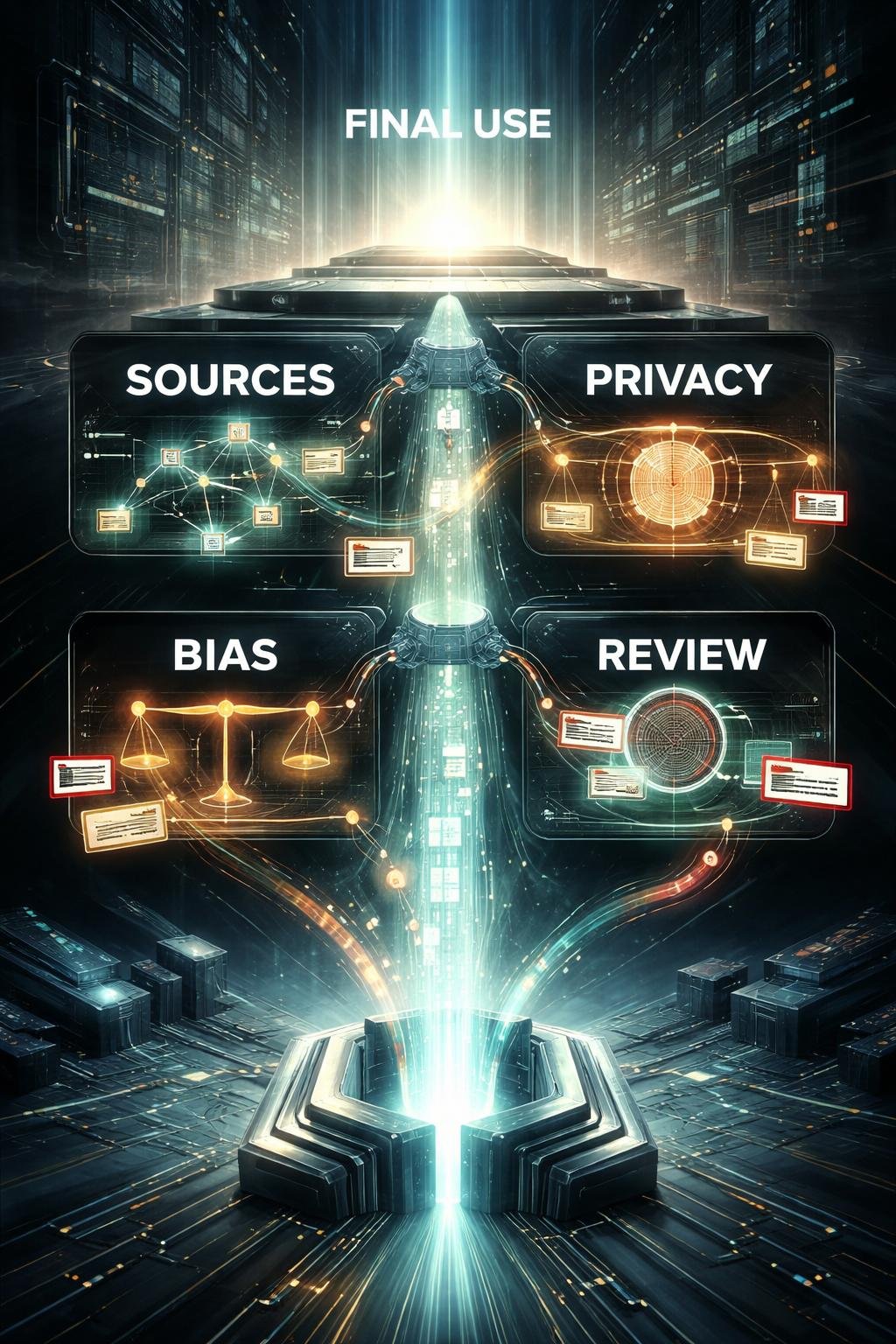
Generated output should not be accepted as verified merely because it sounds confident or follows the requested format. Check important claims against reliable evidence before using or sharing them. This is especially important when an unverified response could contribute to misinformation.
Before entering personal, confidential, or otherwise sensitive information, consult the service’s current official documentation. Data-handling terms, available controls, product features, and security conditions can differ among services and can change over time.
Review responses for unsupported assumptions or unfair treatment of people and groups. A polished response can still require correction, additional context, or rejection. Prompt wording can request neutral language and evidence-based treatment, but the resulting output still needs human examination.
Responsible prompting also means using appropriate limits. Do not ask a model to fill missing facts with guesses, and label hypothetical content clearly. When accuracy matters, provide trusted source material and require the response to remain within it, then verify that the model complied.
Frequently Asked Questions
What counts as an AI prompt?
A prompt is input supplied to a model to guide generated output. It can be a question, instruction, passage to summarize, coding task, set of examples, supporting context, or a structured combination of these elements.
Does writing a prompt train the model?
Ordinary inference-time prompting is not the same as model training. A prompt and its few-shot examples can guide the current response without permanently changing the model.
Why can the same prompt produce different responses?
Language-model output is non-deterministic. The generated continuation can vary even when the supplied prompt is unchanged.
What is few-shot prompting?
Few-shot prompting means including a small number of example inputs and desired outputs in the prompt. These examples condition the model’s behavior for the current inference rather than permanently retraining it.
Are longer prompts always better?
No. A prompt should contain relevant instructions, context, examples, and constraints without unnecessary material. Clarity and task relevance matter more than length by itself.
Why does AI-generated output still need review?
A clear prompt can improve usefulness and consistency, but it does not guarantee accuracy or complete compliance. The response may also vary by model and scenario, so facts and task-specific requirements must be validated.
Final Takeaway
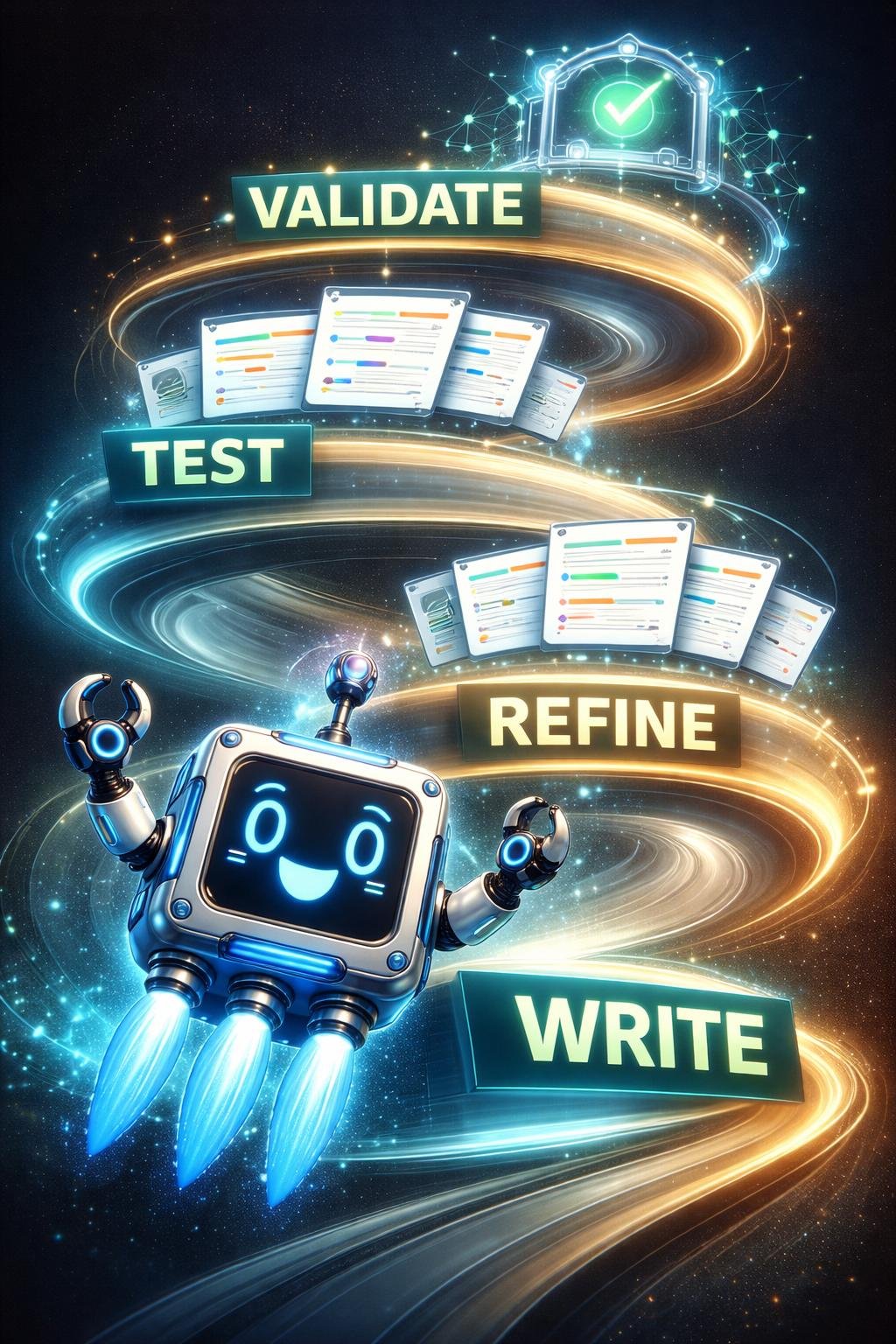
AI prompts are inputs that guide a language model’s output. Clear instructions, relevant context, useful examples, explicit constraints, and a defined format can help the model produce a response that better matches the intended task.
Prompting occurs during inference and does not by itself permanently retrain the model. Results remain model-dependent and non-deterministic, so practical experimentation, representative testing, and human validation are essential.
References
- Prompt engineering | OpenAI API
- Prompting | OpenAI API
- Prompt engineering techniques – Microsoft Foundry | Microsoft Learn
Image Credits
The five DigiNana Wiki visuals accompanying this article are original educational illustrations created with AI assistance. They are conceptual representations and must not be interpreted as verified photographs, exact software interfaces, actual device specifications, or guaranteed technical configurations.
Disclaimer
This article provides general educational information. Technical information, software interfaces, product features, security conditions, and service availability can change. Consult current official documentation whenever accurate, security-sensitive, or operationally important details are required.