Introduction
Learning how to wipe a phone or computer is an important step before selling, donating, or recycling a device. A phone or computer may contain personal files, account information, messages, photographs, and other data that should not pass to its next owner.
Secure preparation involves more than casually deleting a few visible files. It includes preserving anything you still need, choosing an erasure method appropriate to the sensitivity of the information, following current official instructions, and confirming that the process finishes before the device leaves your control.
What Secure Data Wiping Means
Data wiping is the process of removing stored information so that it is no longer readily accessible. The broader technical term media sanitization covers methods used to make access to target data infeasible for a given level of effort.
The National Institute of Standards and Technology (NIST) explains sanitization in relation to the effort required to access the target data. This means the appropriate method depends partly on the information being protected and the circumstances in which the storage will be reused or disposed of.
Not every deletion command or device reset satisfies a formal sanitization standard. A consumer reset may be useful for preparing a personal device, but it should not automatically be treated as equivalent to every secure erase, cryptographic erase, or organizational media-sanitization procedure.
Why Secure Erasure Matters

A device can store information that its owner would not want another person to access. Removing that information before the device changes hands reduces the risk of unintentionally transferring personal data with the hardware.
The required level of protection is not identical in every situation. A device containing only low-sensitivity material may call for a different decision from one that held confidential personal, professional, or organizational information. NIST guidance therefore connects sanitization decisions to the confidentiality and sensitivity of the stored information.
Secure erasure also matters when a device is being recycled rather than reused. Disposal does not itself sanitize storage, so the data-handling decision should be made before the device is surrendered.
How Data Erasure Works
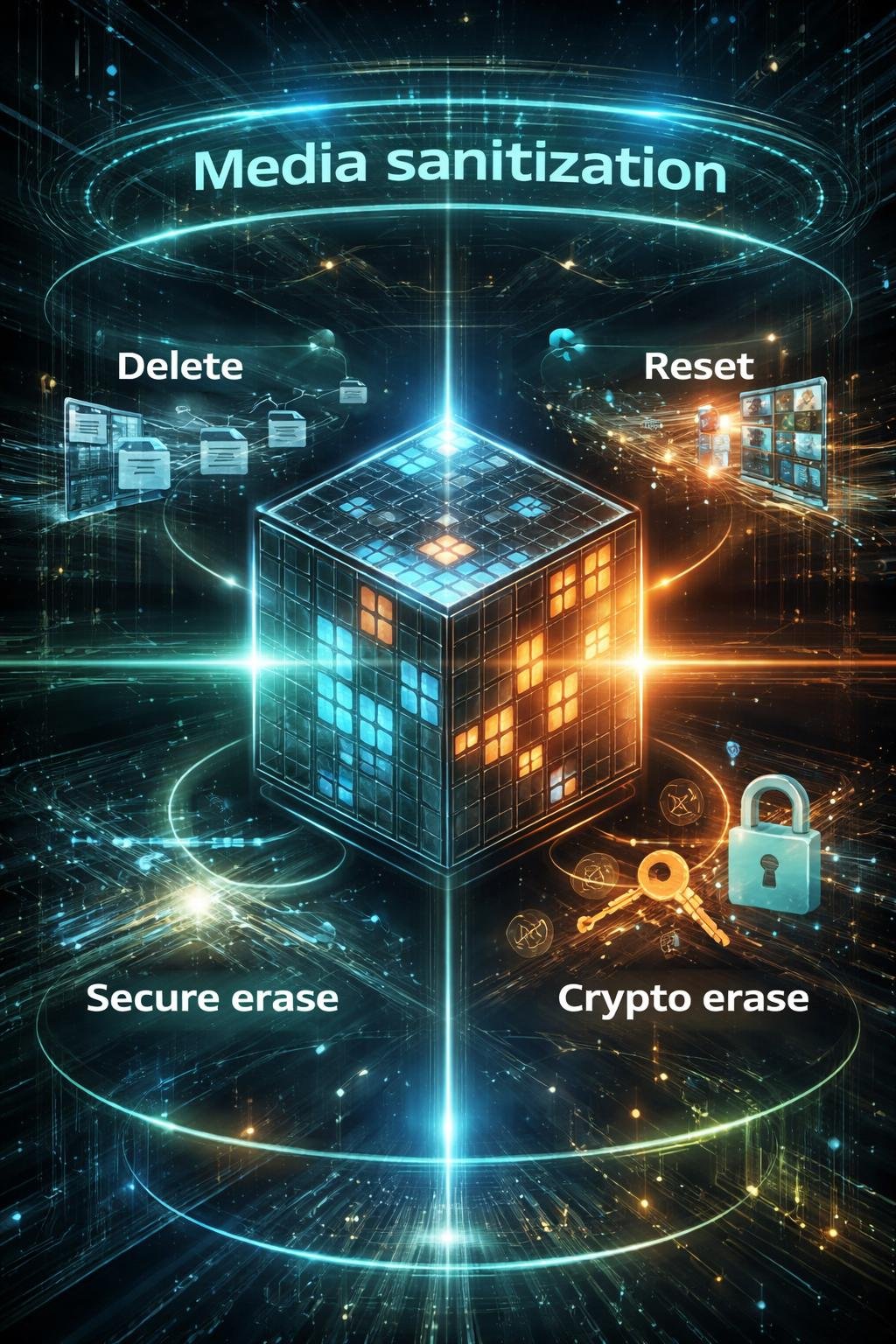
Ordinary deletion removes files through the normal controls of an operating system or application. It should not automatically be considered media sanitization because deleting visible files and making access to target data infeasible are different goals.
Device reset options can remove personal files, applications, and settings, depending on the option selected and the platform’s documented behavior. The exact choices and results can change, so users should consult current official instructions for their device.
Secure erase and cryptographic erase are methods recognized in NIST media-sanitization guidance. Cryptographic erase uses the device’s encryption-related mechanisms as part of making encrypted target data inaccessible. The suitability of either method must be evaluated in context rather than assumed from its name alone.
Media sanitization is the broader objective. It involves selecting techniques and controls based on the information’s sensitivity and the required level of protection. Ordinary deletion, a consumer reset, and formal sanitization are therefore related concepts, but they are not automatically interchangeable.
Key Parts of a Safe Wiping Process
- Identify important data. Decide which files and information must be kept before starting an irreversible reset or sanitization process.
- Make a backup. Preserve needed files in an appropriate backup location before erasing the device.
- Retain recovery information. For an encrypted Windows PC, Microsoft advises ensuring that the BitLocker recovery key is available before resetting the computer.
- Assess sensitivity. Consider how confidential the stored information is and choose a sanitization approach suitable for that level of sensitivity.
- Use current official instructions. Find documentation from the device maker, operating-system provider, or other relevant official source instead of relying on unfamiliar tools or outdated instructions.
- Select the intended option carefully. Confirm that the chosen reset or sanitization option matches the goal of removing personal data rather than merely repairing the device or preserving files.
- Wait for completion. Do not sell, donate, or surrender the device while erasure is still running. Check the official completion indicators described in the relevant documentation.
Everyday Device-Erasure Examples
Hypothetical example: Selling a Windows PC
A person first backs up the files they want to retain and makes sure the BitLocker recovery key is available if the computer is encrypted. They then follow Microsoft’s current Reset PC instructions, choose Remove everything, and enable Clean data. Microsoft states that this combination removes personal files, applications, and settings and cleans the drive, making deleted files harder to recover.
This is an educational example of the documented consumer process. Microsoft also warns that the Clean data feature does not meet government or industry data-erasure standards.
Hypothetical example: Donating a mobile device
A donor backs up the information they still need, evaluates the sensitivity of the data, and obtains current erasure instructions from the device or operating-system provider. They use the documented reset or sanitization option and retain possession of the device until the process has completed.
This example illustrates a decision process rather than a platform-specific procedure. The exact controls and results must be verified in current official documentation for the particular mobile device.
Hypothetical example: Preparing storage for recycling
An owner considers what information the storage held and chooses a sanitization or disposal method appropriate to its sensitivity. They complete the selected process before delivering the device or storage to a recycler.
This illustration does not establish that one method is suitable for every storage device. NIST guidance supports selecting methods and controls according to the confidentiality of the target information.
Benefits and Limitations of Device Wiping

An appropriate sanitization process can make access to target data infeasible for a defined level of effort. It can therefore reduce the risk of personal information remaining accessible after a device is transferred or discarded.
The result depends on selecting an appropriate technique, following the relevant instructions, and allowing the process to complete. No single method should be assumed to provide the same protection for every device, storage type, information sensitivity, or disposal situation.
Consumer features also have defined limitations. Microsoft’s Clean data option for Reset PC is intended to make deleted files harder to recover, but Microsoft states that it does not meet government or industry data-erasure standards. It should not be represented as a substitute for every formal organizational sanitization requirement.
No wiping method guarantees complete protection in every circumstance. Important decisions should be based on current official guidance and the sensitivity of the information involved.
Common Misunderstandings About Erasing Data
- “Deleting my visible files always sanitizes the storage.” Ordinary deletion should not automatically be treated as media sanitization. Sanitization has the broader objective of making target data infeasible to access for a given level of effort.
- “Every factory reset meets a formal erasure standard.” Reset features differ, and a consumer reset is not necessarily equivalent to formal media sanitization.
- “One wiping method is appropriate for all data.” NIST guidance connects the choice of sanitization and disposal controls to the confidentiality or sensitivity of the information.
- “A feature called Clean data must satisfy every professional standard.” Microsoft explicitly says that its consumer Clean data option does not meet government or industry data-erasure standards.
- “The device can be handed over as soon as the reset starts.” The device should remain under the owner’s control until the selected process has finished according to the applicable official instructions.
DigiNana Beginner Guide
Fictional educational example: DigiNana is preparing a Windows PC for donation. This story illustrates the verified Microsoft process; it is not a report of a real device test.
- DigiNana identifies the files that must be kept and makes a backup before changing the computer.
- If BitLocker encryption is enabled, DigiNana confirms that the recovery key is available before beginning the reset.
- DigiNana opens the current Windows Reset PC process and selects Remove everything.
- DigiNana enables Clean data and carefully reviews the selected settings before proceeding.
- DigiNana keeps the PC until the reset has finished rather than donating it during the process.
Verified limitation: Microsoft says that Remove everything with Clean data removes personal files, applications, and settings and cleans the drive, making deleted files harder to recover. Microsoft also says that this consumer feature does not meet government or industry data-erasure standards.
Practical Tips
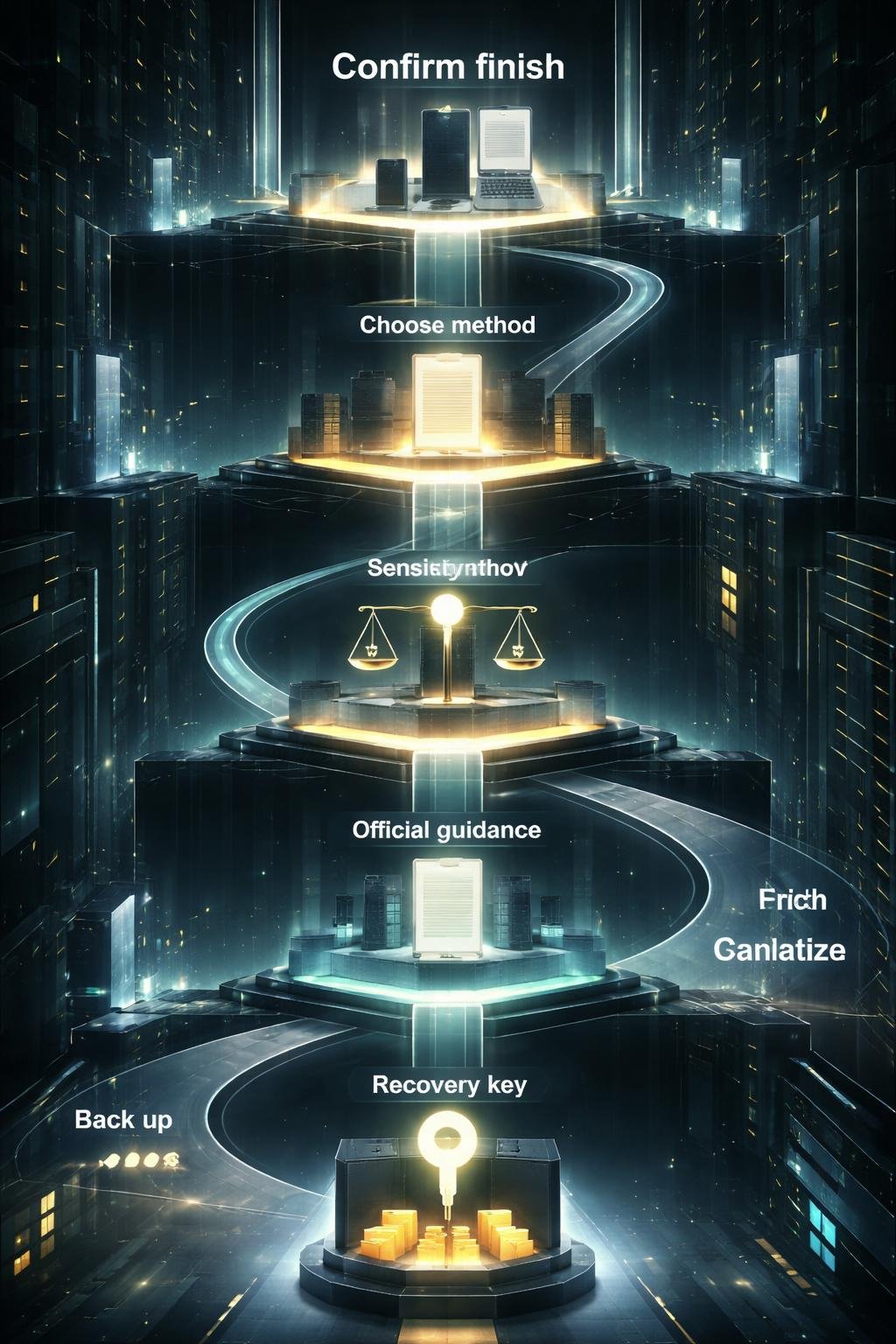
- Back up every file that you still need before beginning.
- Preserve required recovery information, including the BitLocker recovery key when it applies to an encrypted Windows PC.
- Consider the sensitivity of the information previously stored on the device.
- Use current instructions from the relevant device maker, operating-system provider, or other official source.
- Choose a reset or sanitization method that matches the sensitivity of the information and the device’s intended destination.
- Read option descriptions carefully so that you do not accidentally select a setting that preserves personal files.
- Keep the device until the selected erasure process has completed.
- Do not assume that a consumer reset satisfies a formal organizational or industry erasure requirement.
Safety, Privacy, and Recovery Considerations
Preventive preparation happens before erasure begins. Backups help prevent accidental loss of files that must be retained, while access to required recovery information can help the owner handle encryption-related recovery needs. Passwords, authentication codes, and recovery keys should never be shared with a buyer, donor recipient, recycler, or an unsolicited support contact.
Obtain wiping instructions from current official documentation. Unsolicited links and unverified erasure tools may be outdated, misleading, or unsafe. Official documentation is also the appropriate place to confirm the exact meaning of reset choices for a particular device.
Response to a failed or interrupted reset is different from prevention. If the process does not complete, do not give away or recycle the device as though it had been erased. Keep control of it, preserve relevant recovery information, and consult the current official recovery or support guidance for that specific platform before trying another step.
Frequently Asked Questions
Is deleting my files enough before selling a device?
Ordinary file deletion should not automatically be considered media sanitization. Use a documented reset or sanitization method appropriate to the sensitivity of the information and the device.
What should I do before resetting a Windows PC?
Back up important files first. Microsoft also advises ensuring that you have the BitLocker recovery key if the PC is encrypted.
What do Remove everything and Clean data do?
According to Microsoft, selecting Remove everything and enabling Clean data removes personal files, applications, and settings and cleans the drive, making deleted files harder to recover.
Does Clean data meet formal data-erasure standards?
No. Microsoft states that this consumer data-erasure feature does not meet government or industry data-erasure standards.
How does information sensitivity affect the method I choose?
NIST guidance supports choosing sanitization and disposal techniques and controls according to the confidentiality or sensitivity of the information. More sensitive information may require a different decision from ordinary personal data, particularly where an organization has formal requirements.
Where can I find instructions for my particular device?
Use current official documentation from the device maker, operating-system provider, or other responsible official source. Verify that the instructions apply to your particular device and current software before proceeding.
Final Takeaway

Before selling, donating, or recycling a phone or computer, preserve the files and recovery information you need. Assess the sensitivity of the stored information, choose an appropriate reset or sanitization method, follow current official instructions, and keep the device until the process is complete.
Consumer reset features can be useful, but they are not necessarily equivalent to formal media-sanitization standards. In particular, Microsoft’s Clean data option makes deleted files harder to recover but does not meet government or industry data-erasure standards.
References
- SP 800-88 Rev. 2, Guidelines for Media Sanitization | CSRC
- Guidelines for Media Sanitization | NIST
- Guidelines for Media Sanitization | NIST
- Reset your PC | Microsoft Support
Image Credits
The five DigiNana Wiki visuals accompanying this article are original educational illustrations created with AI assistance. They are conceptual and must not be interpreted as verified photographs, exact software interfaces, actual device specifications, or guaranteed technical configurations.
Disclaimer
This article provides general educational information. Security threats, software interfaces, product features, service availability, and recommended protective measures can change over time. Verify important details using current official documentation for the particular device and software involved. No wiping or security method guarantees complete protection.